
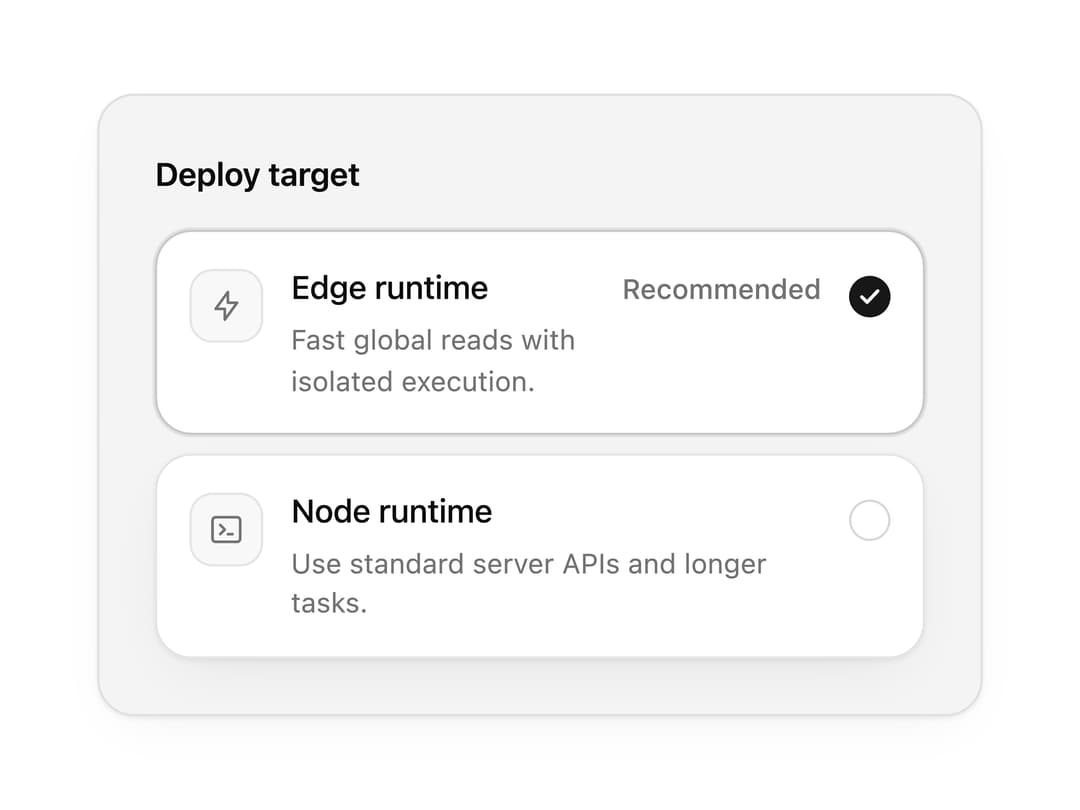
About
A radio group with classic rows, a segmented control layout and selectable cards, plus an animated selection indicator. Great for plan pickers, shipping options and settings.
Built with React and Tailwind. Copy the prompt and paste it into Claude Code, Cursor or Lovable: your agent adds Radio Group to your project and fits it to your theme.
Code
How Radio Group is used: the demo's code. The component's own source comes with a free account.
Usage.tsx
"use client";

import { IconBolt, IconTerminal2 } from "@tabler/icons-react";
import { RadioGroup, RadioOption } from "@/components/ui/radio-group";

import { clsx, type ClassValue } from "clsx";
import { twMerge } from "tailwind-merge";

function cn(...inputs: ClassValue[]) {
  return twMerge(clsx(inputs));
}

const primitivePreviewCardSurfaceFrameClass = cn(
  "relative isolate overflow-hidden rounded-2xl",
  "border",
);

const primitivePreviewCardSurfaceLightClass = cn(
  "border-black/[0.08] bg-[#f4f4f5]",
  "[box-shadow:0_1px_2px_rgba(0,0,0,.06),0_8px_24px_-12px_rgba(0,0,0,.08)]",
);

const primitivePreviewCardSurfaceClass = cn(
  primitivePreviewCardSurfaceFrameClass,
  primitivePreviewCardSurfaceLightClass,
  // Full static `dark:bg-[#0a0a0b]` kept for Tailwind content scan - same as
  // PRIMITIVE_PREVIEW_CANVAS_DARK_BG / PRIMITIVE_PREVIEW_CANVAS_DARK.
  "dark:border-white/[0.06] dark:bg-[#0a0a0b] dark:[box-shadow:0_1px_2px_rgba(0,0,0,.4),0_8px_24px_-12px_rgba(0,0,0,.6)]",
);

const wensityCardSurfaceClass = primitivePreviewCardSurfaceClass;

function PreviewPanel({
  children,
  className,
  title,
  subtitle,
}: {
  children: React.ReactNode;
  className?: string;
  title?: string;
  subtitle?: string;
}) {
  return (
    <div
      className={cn(
        wensityCardSurfaceClass,
        "w-full max-w-md",
        "p-5 sm:p-6",
        className,
      )}
    >
      {title ? (
        <div className="mb-5 border-b border-[var(--border)] pb-4">
          <p className="text-sm font-semibold tracking-[-0.015em] text-[var(--foreground)]">
            {title}
          </p>
          {subtitle ? (
            <p className="mt-1 text-[12px] leading-[1.5] text-[var(--muted-foreground)]">
              {subtitle}
            </p>
          ) : null}
        </div>
      ) : null}
      {children}
    </div>
  );
}

export function RadioGroupPreview() {
  return (
    <PreviewPanel className="max-w-sm">
      <RadioGroup
        label="Deploy target"
        defaultValue="edge"
        variant="command"
      >
        <RadioOption
          value="edge"
          label="Edge runtime"
          description="Fast global reads with isolated execution."
          leading={<IconBolt stroke={1.75} />}
          trailing="Recommended"
        />
        <RadioOption
          value="node"
          label="Node runtime"
          description="Use standard server APIs and longer tasks."
          leading={<IconTerminal2 stroke={1.75} />}
        />
      </RadioGroup>
    </PreviewPanel>
  );
}

export default function Demo() {
  return <RadioGroupPreview />;
}
Dependencies
More by Wensity Labs
View all

Sidebar
286
Calendar
189
Button
87
Color Picker
71
Image Comparison Slider
65
AI Prompt Input
54
Text Morphing
42
Navigation Menu
36
More in Cards
View all

Course Design Cards
1.1K

Statistics Card 7
301
Statistics Card 2
272
Stats cards with links
82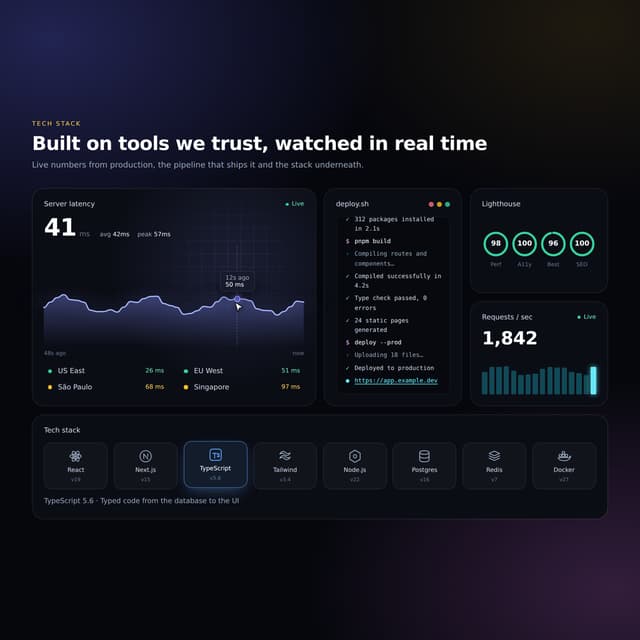

Interactive Tech Stack Bento Grid with Hover Effects
183

Card Studio
35
Card
70

Card
18
