
About
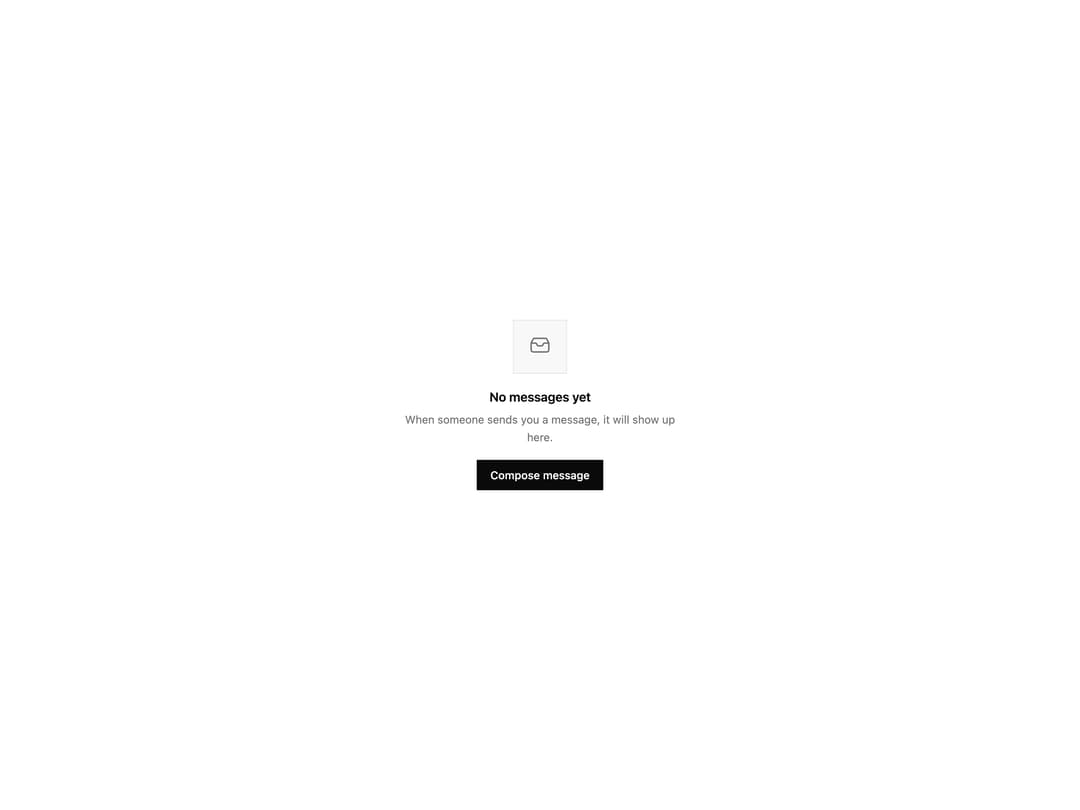
A placeholder layout for empty lists, search results, or error screens with an optional icon, title, description, and action buttons.
Built with React and Tailwind. Copy the prompt and paste it into Claude Code, Cursor or Lovable: your agent adds Empty State to your project and fits it to your theme.
Code
How Empty State is used: the demo's code. The component's own source comes with a free account.
Usage.tsx
import EmptyState, {
  EmptyStateIllustration,
} from "@/components/ui/empty-state";

function InboxIcon() {
  return (
    <svg
      xmlns="http://www.w3.org/2000/svg"
      viewBox="0 0 24 24"
      fill="none"
      stroke="currentColor"
      strokeWidth="1.5"
      className="size-7"
    >
      <path
        strokeLinecap="round"
        strokeLinejoin="round"
        d="M3 8.25V15a2.25 2.25 0 0 0 2.25 2.25h13.5A2.25 2.25 0 0 0 21 15V8.25M3 8.25 5.056 4.19A1.5 1.5 0 0 1 6.4 3.375h11.2a1.5 1.5 0 0 1 1.344.815L21 8.25M3 8.25h4.243a1.5 1.5 0 0 1 1.342.83l.6 1.2a1.5 1.5 0 0 0 1.342.83h2.946a1.5 1.5 0 0 0 1.342-.83l.6-1.2a1.5 1.5 0 0 1 1.342-.83H21"
      />
    </svg>
  );
}

export default function EmptyStateDemo() {
  return (
    <div className="flex w-full items-center justify-center bg-[var(--background)] p-8">
      <EmptyState
        icon={
          <EmptyStateIllustration>
            <InboxIcon />
          </EmptyStateIllustration>
        }
        title="No messages yet"
        description="When someone sends you a message, it will show up here."
        action={
          <button className="inline-flex h-9 items-center justify-center rounded-[var(--primitive-radius-control)] bg-[var(--foreground)] px-4 text-[13px] font-medium text-[var(--background)] transition-opacity hover:opacity-90">
            Compose message
          </button>
        }
      />
    </div>
  );
}
Dependencies
More by Wensity Labs
View all

Sidebar
286
Calendar
189
Button
87
Color Picker
71
Image Comparison Slider
65
AI Prompt Input
54
Text Morphing
42
Navigation Menu
36