
About
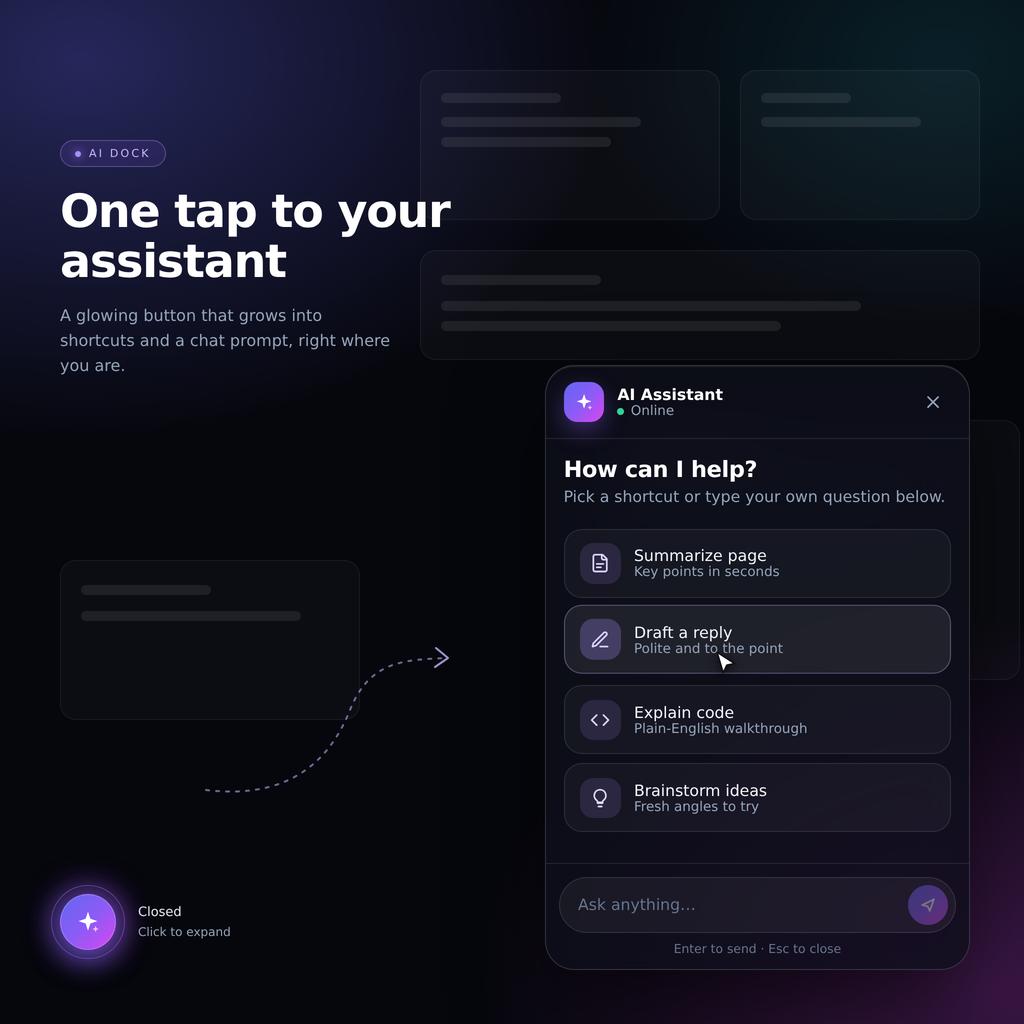
A sleek, floating menu button that smoothly morphs into an expandable quick-action console on user click. Built with pure React & Tailwind CSS.
Built with React and Tailwind. Copy the prompt and paste it into Claude Code, Cursor or Lovable: your agent adds Expandable Floating Action Button (FAB) AI Dock to your project and fits it to your theme.
Code
How Expandable Floating Action Button (FAB) AI Dock is used: the demo's code. The component's own source comes with a free account.
Usage.tsx
// This is a file with a demo for your component
// That's what users will see in the preview
// Create new files in this directory to add more demos

import AIFabDock from "@/components/ui/expandable-floating-action-button-fab-ai-dock";

// ONLY DEFAULT EXPORT WILL BE TREATED AS A DEMO
export default function DemoOne() {
  return (
    <div className="min-h-screen bg-gradient-to-br from-slate-950 via-indigo-950 to-slate-900 p-8">
      <h1 className="text-2xl font-semibold text-white">Your app</h1>
      <p className="mt-2 text-slate-400">Look at the bottom-right corner.</p>
      <AIFabDock onSend={(text) => console.log("Sent:", text)} />
    </div>
  );
}
More by themeocean
View all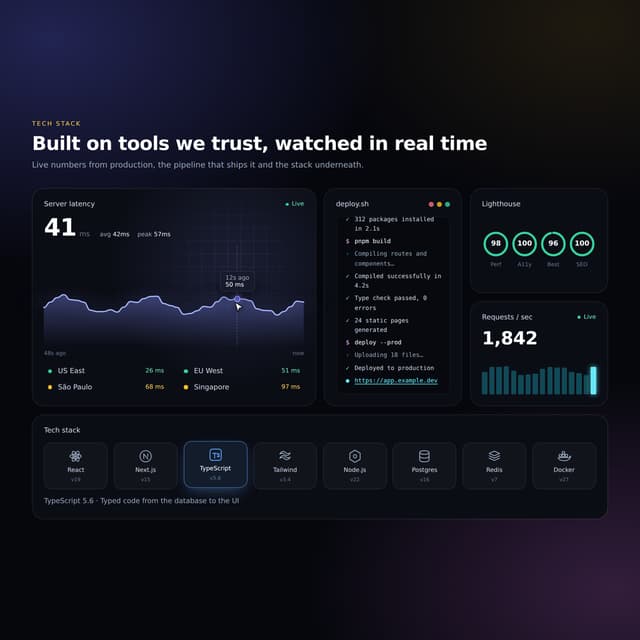

Interactive Tech Stack Bento Grid with Hover Effects
184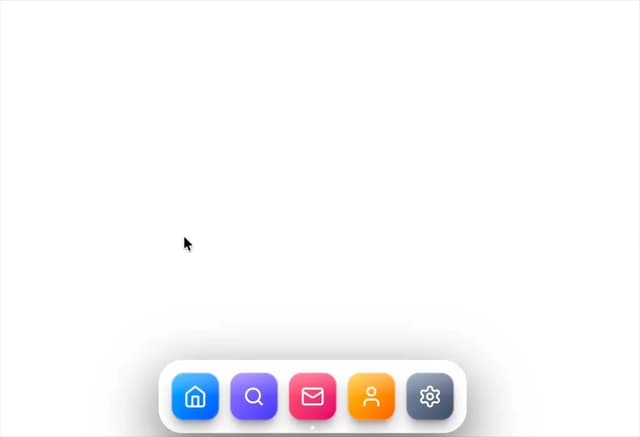
Mac-Style Floating Dock
41
More in AI chats
View all

AI Actions
326
Agent Chat
18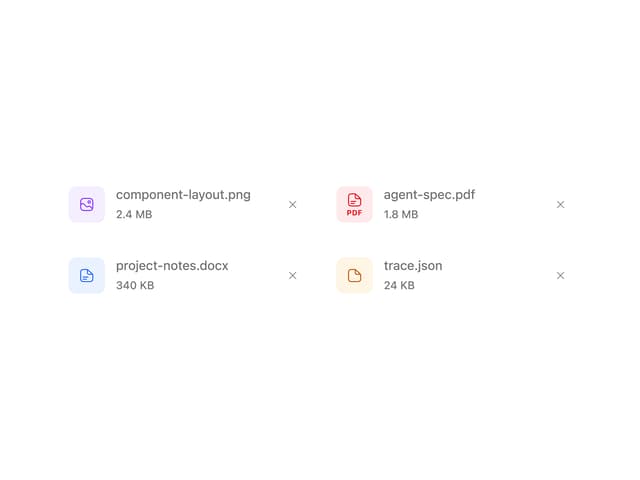
Attachments
22
Commit
23
Message Thread
45

System Message
58
Suggestions
30

AI Task List
167


