About
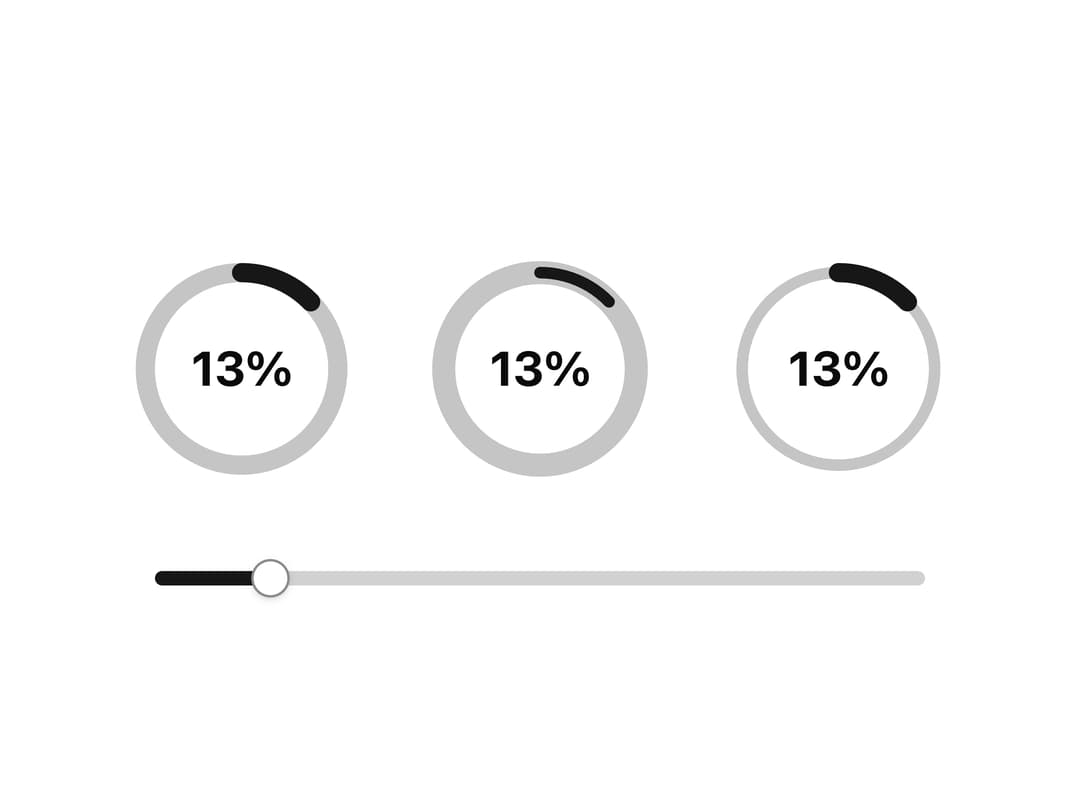
A circular SVG progress indicator that lets you set independent stroke widths for the track and progress arc, plus an optional centered percentage label.
Built with React and Tailwind. Copy the prompt and paste it into Claude Code, Cursor or Lovable: your agent adds Circular Progress with Custom Stroke Width to your project and fits it to your theme.
Code
How Circular Progress with Custom Stroke Width is used: the demo's code. The component's own source comes with a free account.
Usage.tsx
"use client";

import * as React from "react";
import CircularProgress from "@/components/ui/progress-12";
import { Slider } from "@/components/ui/slider";

export default function CircularProgressStrokeWidthDemo() {
  const [progress, setProgress] = React.useState([13]);

  return (
    <div className="mx-auto flex w-full max-w-xs flex-col items-center">
      <div className="flex items-center gap-1">
        <CircularProgress
          labelClassName="text-xl font-bold"
          renderLabel={(progress) => `${progress}%`}
          showLabel
          size={120}
          strokeWidth={10}
          value={progress[0]}
        />
        <CircularProgress
          circleStrokeWidth={12}
          labelClassName="text-xl font-bold"
          progressStrokeWidth={6}
          renderLabel={(progress) => `${progress}%`}
          showLabel
          size={120}
          value={progress[0]}
        />
        <CircularProgress
          circleStrokeWidth={6}
          labelClassName="text-xl font-bold"
          progressStrokeWidth={10}
          renderLabel={(progress) => `${progress}%`}
          showLabel
          size={120}
          value={progress[0]}
        />
      </div>
      <Slider
        className="mt-6"
        defaultValue={progress}
        max={100}
        onValueChange={setProgress}
        step={1}
      />
    </div>
  );
}
More by shadcnui-blocks
View all
Logo Cloud 15
241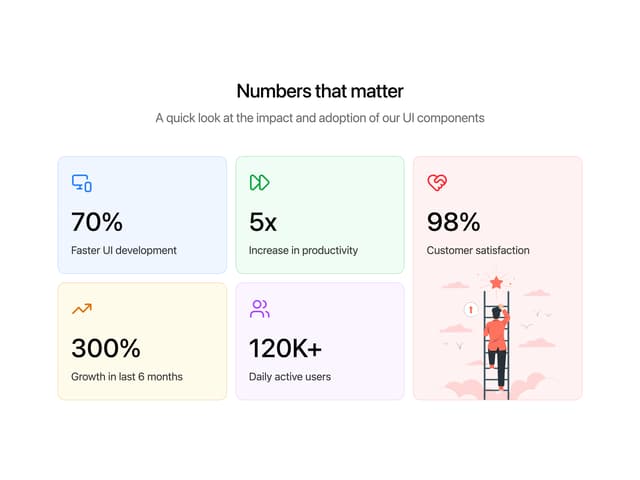
Numbers Stats Grid
225
Testimonials 13
183
Underlined Navigation Menu
92
Rich Navigation Menu
88
Integrations 02
80
Empty State with Marquee
77
Members Table Block
75