
About
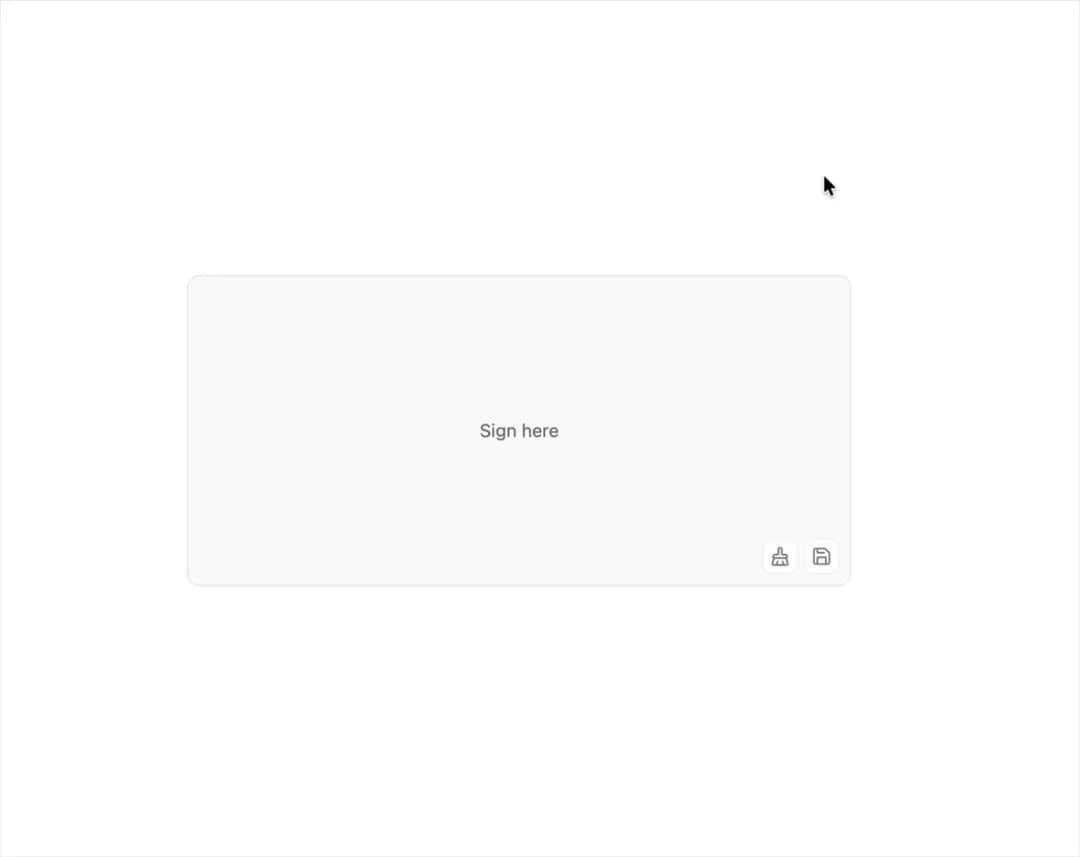
A canvas-less signature capture area with pressure or velocity-sized ink, touch/pen/mouse input, undo/redo history, native form field integration, and PNG, JPEG, SVG or JSON export.
Built with React and Tailwind. Copy the prompt and paste it into Claude Code, Cursor or Lovable: your agent adds Signature Pad to your project and fits it to your theme.
Code
How Signature Pad is used: the demo's code. The component's own source comes with a free account.
Usage.tsx
"use client";

import {
  SignaturePad,
  SignaturePadArea,
  SignaturePadClear,
  SignaturePadControls,
  SignaturePadPlaceholder,
  SignaturePadPreview,
  SignaturePadSave,
  type SignaturePadStroke,
} from "@/components/ui/signature-pad";
import { useState } from "react";

export default function SignaturePadDemo() {
  const [saved, setSaved] = useState<SignaturePadStroke[]>([]);

  return (
    <div className="mx-auto flex w-full max-w-lg flex-col gap-3">
      <SignaturePad>
        <SignaturePadArea variant="muted" className="h-60">
          <SignaturePadPlaceholder />
          <SignaturePadControls position="bottom-end">
            <SignaturePadClear />
            <SignaturePadSave
              format="json"
              onSave={(_, strokes) => setSaved(strokes)}
            />
          </SignaturePadControls>
        </SignaturePadArea>
      </SignaturePad>
      <div role="status">
        {saved.length > 0 && (
          <div className="text-muted-foreground flex items-center gap-3 text-sm">
            Saved
            <SignaturePadPreview strokes={saved} className="h-8 w-auto" />
          </div>
        )}
      </div>
    </div>
  );
}
Dependencies
More by Sean Hello
View all

3D Testimonails
3.4K
Line Charts 9
656
Alert
494
Line Charts 6
392
Area Charts 1
391
Scroll Area
376
Navigation Menu
319
Area Charts 2
318
More in Forms
View all

Premium Auth
524

Contact Card
1K

Book A Demo 1
73

Login 1
53

Form
137

Card Studio
41
SignInPage
667

Modern & Stunning sign in
1.6K
