
About
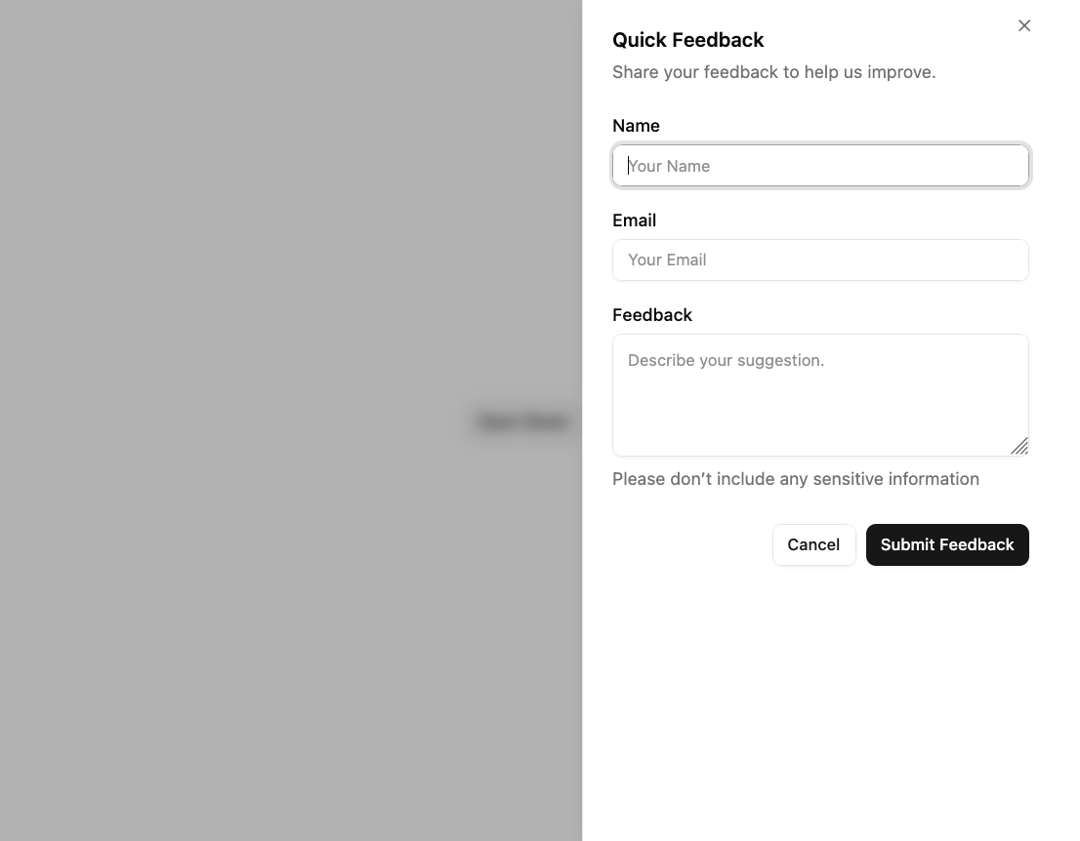
Extends the Dialog component to display content that complements the main content of the screen.
Built with React and Tailwind. Copy the prompt and paste it into Claude Code, Cursor or Lovable: your agent adds Sheet to your project and fits it to your theme.
Code
How Sheet is used: the demo's code. The component's own source comes with a free account.
Usage.tsx
import { Button } from '@/components/ui/button-1';
import { Input } from '@/components/ui/input';
import { Label } from '@/components/ui/label';
import {
  Sheet,
  SheetBody,
  SheetClose,
  SheetContent,
  SheetDescription,
  SheetFooter,
  SheetHeader,
  SheetTitle,
  SheetTrigger,
} from '@/components/ui/sheet';
import { Textarea } from '@/components/ui/textarea';
import { useDirection } from '@radix-ui/react-direction';

export default function DemoSheet() {
  const direction = useDirection();

  return (
    <Sheet>
      <SheetTrigger asChild>
        <Button variant="outline">Open Sheet</Button>
      </SheetTrigger>
      <SheetContent dir={direction}>
        <SheetHeader>
          <SheetTitle>Quick Feedback</SheetTitle>
          <SheetDescription>Share your feedback to help us improve.</SheetDescription>
        </SheetHeader>
        <SheetBody>
          <div className="grid gap-5">
            {/* Name */}
            <div className="flex flex-col gap-2">
              <Label htmlFor="name">Name</Label>
              <Input id="name" placeholder="Your Name" />
            </div>
            {/* Email */}
            <div className="flex flex-col gap-2">
              <Label htmlFor="email">Email</Label>
              <Input id="email" type="email" placeholder="Your Email" />
            </div>
            {/* Feedback */}
            <div className="flex flex-col gap-2">
              <Label htmlFor="feedback">Feedback</Label>
              <Textarea id="feedback" placeholder="Describe your suggestion." rows={4} />
              <p className="text-sm text-muted-foreground">Please don’t include any sensitive information</p>
            </div>
          </div>
        </SheetBody>
        <SheetFooter>
          <SheetClose asChild>
            <Button variant="outline">Cancel</Button>
          </SheetClose>
          <SheetClose asChild>
            <Button type="submit">Submit Feedback</Button>
          </SheetClose>
        </SheetFooter>
      </SheetContent>
    </Sheet>
  );
}
Dependencies
More by Sean Hello
View all

3D Testimonails
3.4K
Line Charts 9
656
Alert
494
Line Charts 6
392
Area Charts 1
391
Scroll Area
376
Navigation Menu
319
Area Charts 2
318
More in Forms
View all

Contact Card
1K

Premium Auth
524

Book A Demo 1
73

Login 1
53

Form
137

Card Studio
41
SignInPage
667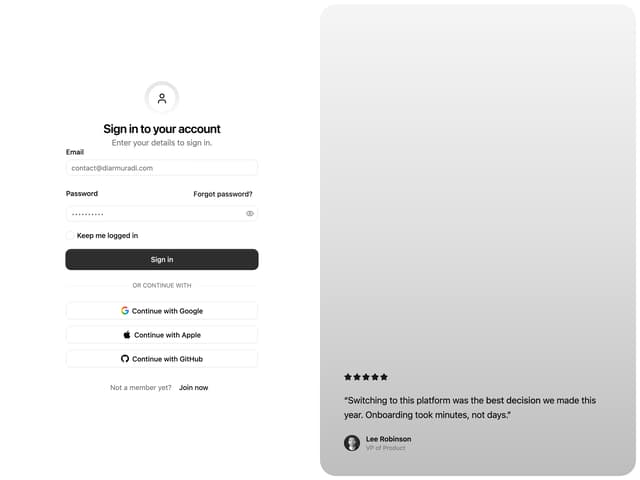

Split Sign In Form
46
