
About
A button with an interactive spotlight gradient that follows the mouse cursor and highlights its border on hover, for calling attention to a primary action.
Built with React and Tailwind. Copy the prompt and paste it into Claude Code, Cursor or Lovable: your agent adds Shiny Button to your project and fits it to your theme.
Code
How Shiny Button is used: the demo's code. The component's own source comes with a free account.
Usage.tsx
import { ShinyButton } from "@/components/ui/shiny-button";

export default function ShinyButtonDemo() {
  return (
    <div className="flex min-h-[300px] w-full items-center justify-center bg-background">
      <ShinyButton>Get Started</ShinyButton>
    </div>
  );
}
Dependencies
More by scrollxui
View all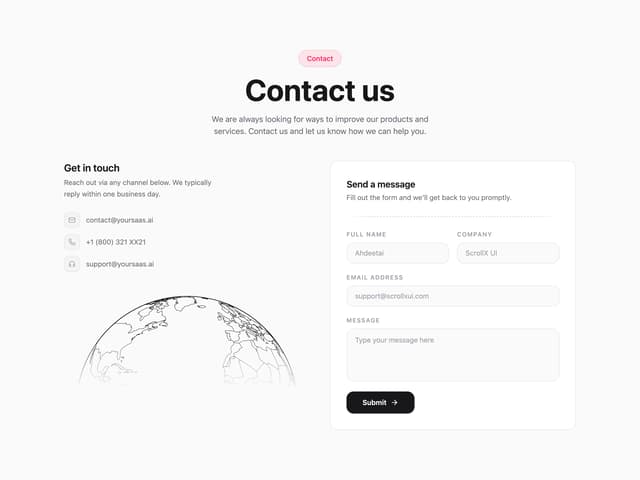

Contact with Globe
346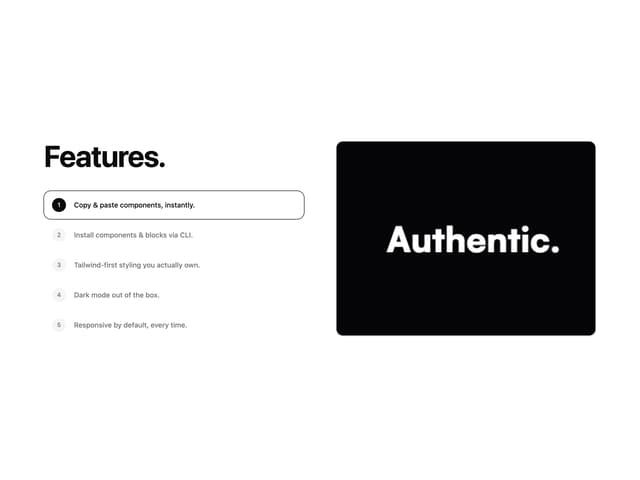
Features With Panel
300
Logo Cloud Marquee
154
Hero Section with Cards
148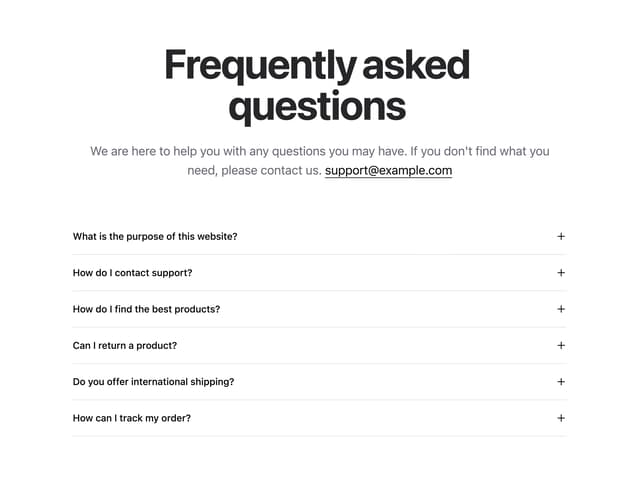
FAQ Accordion
143
Particles
99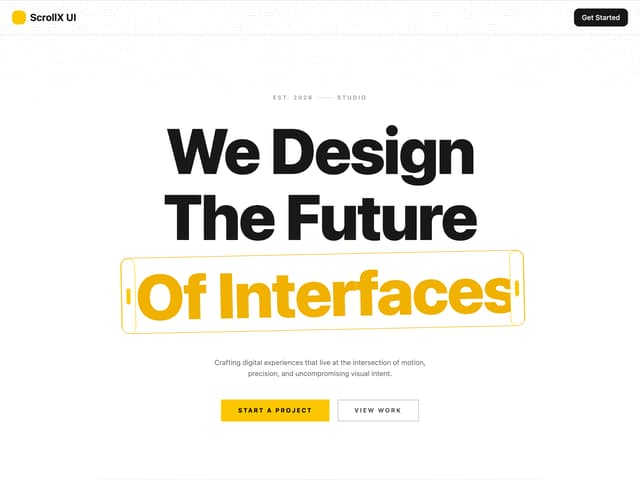
Hero With Pixel Background
81
Testimonials Marquee
71
More in Buttons
View all

Button
5
Texture Button
97

Button Group


Eclipse Button
39
Button
4

HeroUI Button Group

Base Button
4

App Store Button
458

