
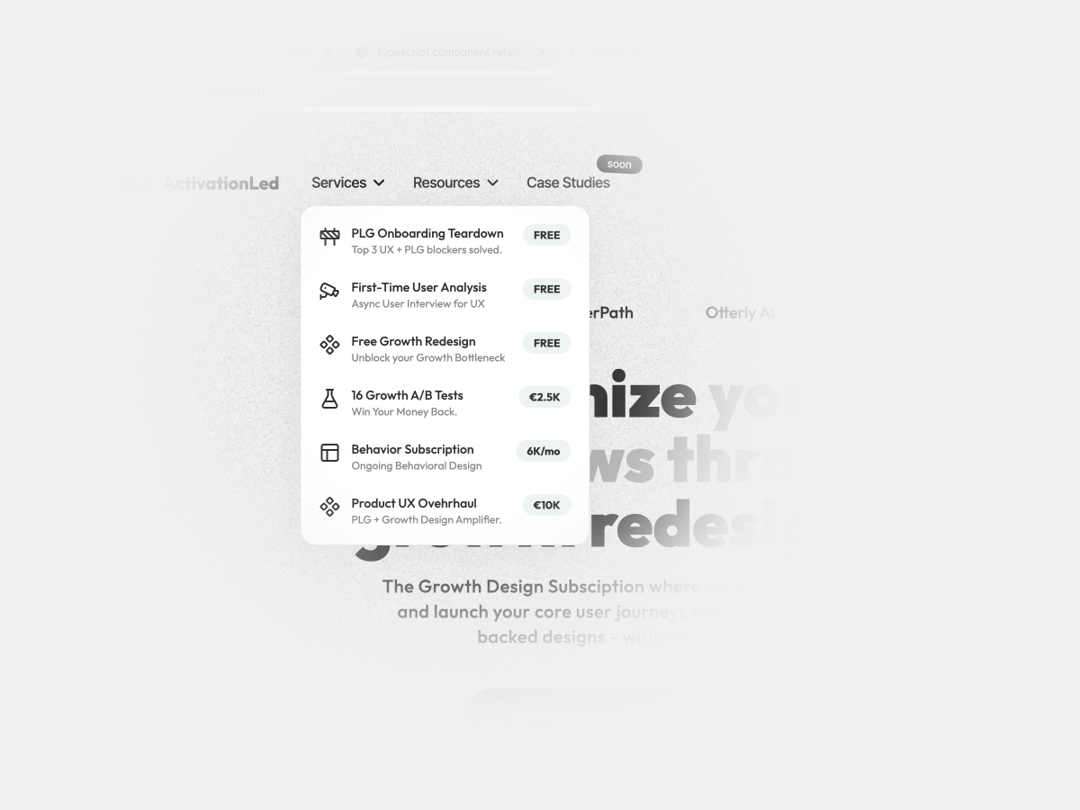
About
A NavBar Button that answers visitors question of "What's next?" In a single place. The title, description, icon, and badge (which is awesome) give anyone the minimum details to act
Built with React and Tailwind. Copy the prompt and paste it into Claude Code, Cursor or Lovable: your agent adds Navbar Custom Dropdown Button to your project and fits it to your theme.
Code
How Navbar Custom Dropdown Button is used: the demo's code. The component's own source comes with a free account.
Usage.tsx
import { NavButtonDropdown } from "@/components/ui/navbar-custom-dropdown-button";

export default function DemoOne() {
  return (
    <main className="bg-base-100 w-screen h-screen flex items-center px-20 justify-center">

      <NavButtonDropdown />

    </main>
  )
}
Dependencies
More by Radu Popescu
View all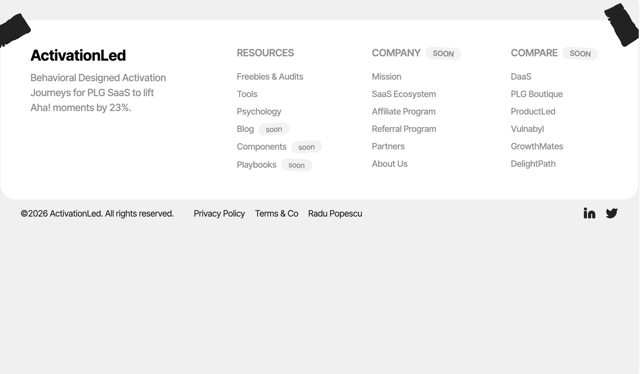

Footer Taped Design
544
Colorful Bento Grid
362
PricingSlider Loops
183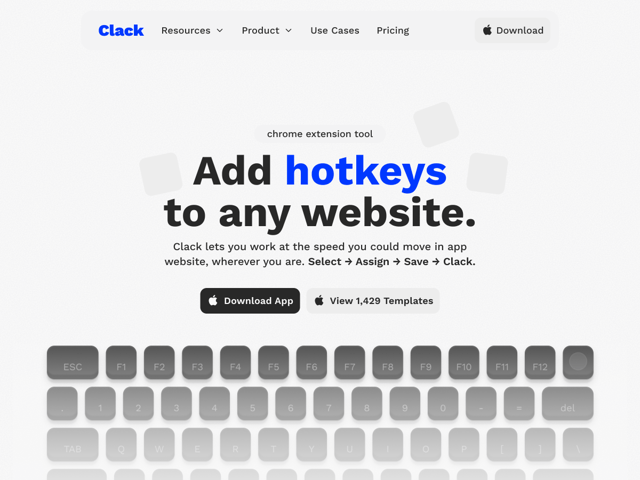
Simple Navigation with Icons
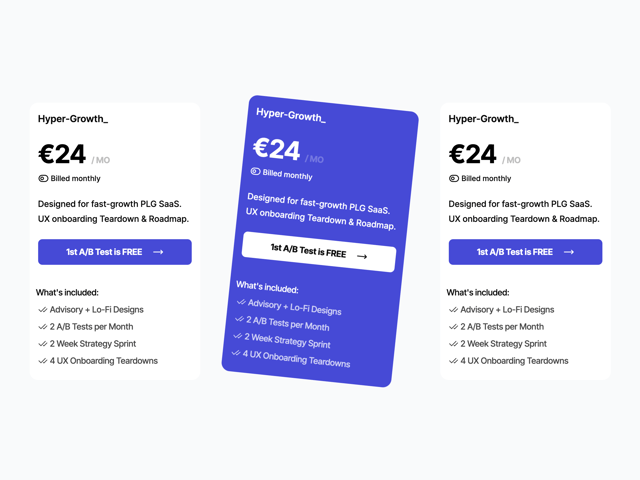
Pricing Plan Card With Toggle
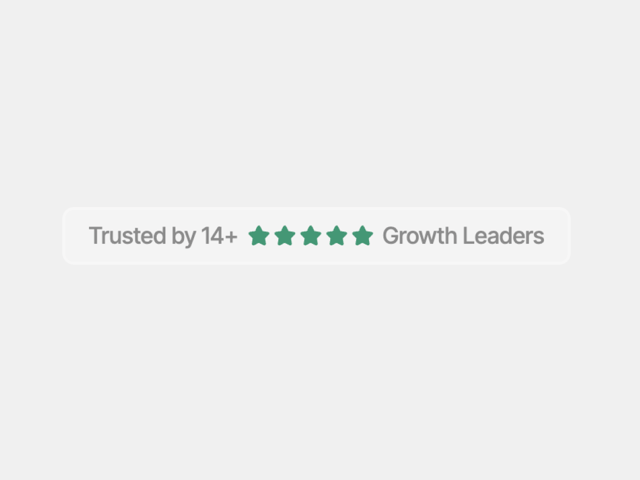
Reviews Badge
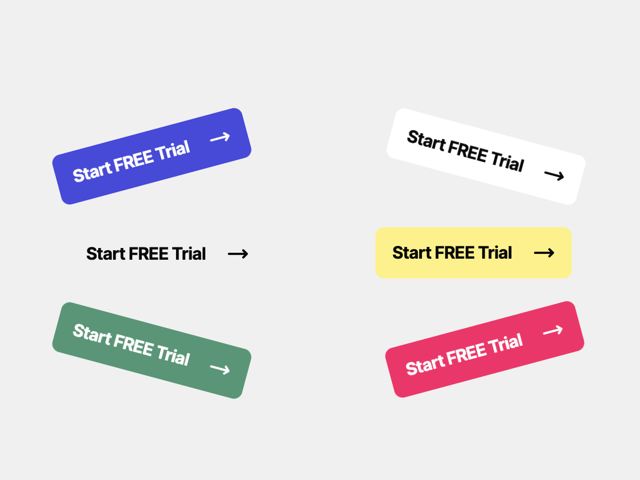
Checkout Button
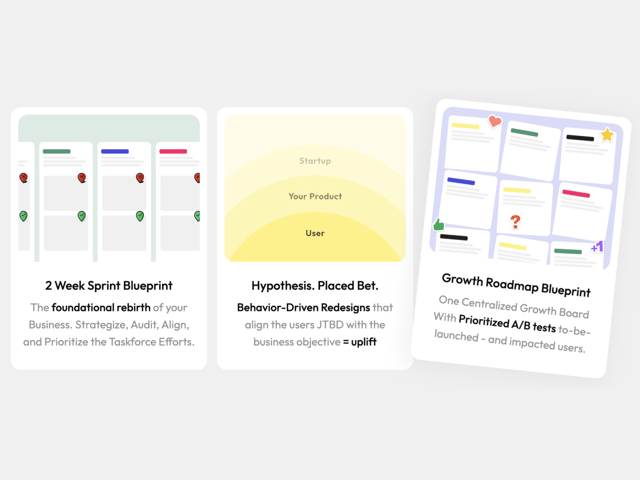
FeatureCard
More in Buttons
View all

Button
5
Texture Button
97

Button Group


Eclipse Button
39
Button
4

HeroUI Button Group

Base Button
4

App Store Button
458

