
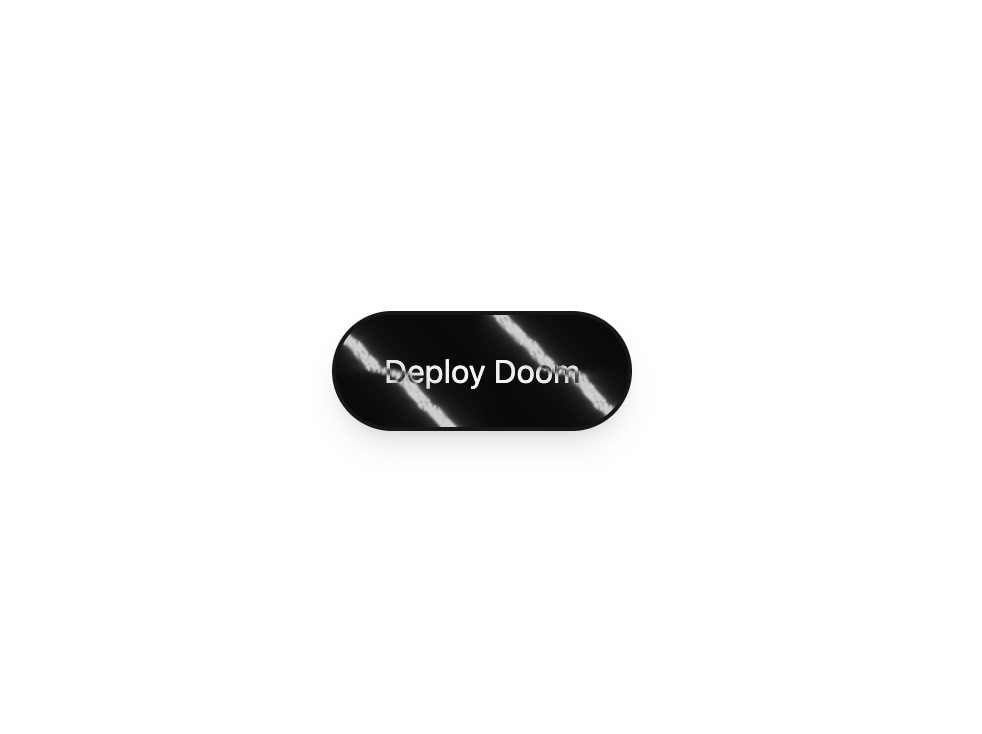
About
A pill button with an animated liquid-chrome WebGL surface that shifts under a difference-blended label and brightens on hover. Self-contained — the shader (ogl) is bundled in.
Built with React and Tailwind. Copy the prompt and paste it into Claude Code, Cursor or Lovable: your agent adds Chrome Button to your project and fits it to your theme.
Code
How Chrome Button is used: the demo's code. The component's own source comes with a free account.
Usage.tsx
"use client";

import ChromeButton from "@/components/ui/chrome-button";

export default function Default() {
  return (
    <div className="flex min-h-screen w-full items-center justify-center bg-background p-12">
      <ChromeButton>Deploy Doom</ChromeButton>
    </div>
  );
}
Dependencies
More by jay sharma
View all

Live Orb
354
Frame Button
133
Shader Metal
88
Highlight Button
81
ASCII Fluid
76
Brutal Button
64
Motion Button
61
Grid Button
55
More in Shaders
View all
Glass Fold
278

Phosphor 30
293

Shader Animation
3.7K
Wave
693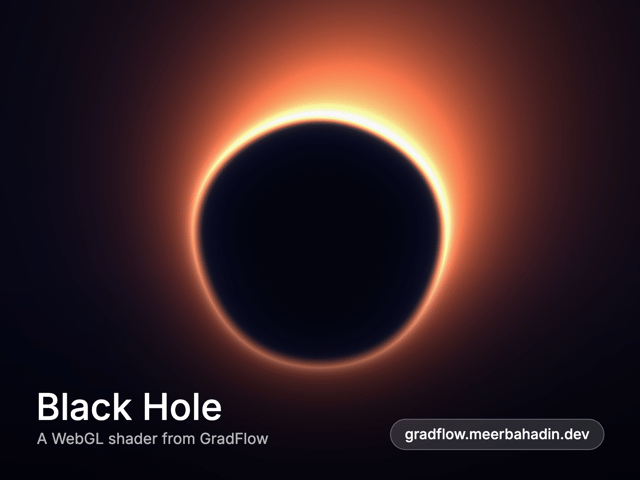
Black Hole
27
Shader Background
2K
Shader Lines
2.3K
Liquid Glass Logo Reveal
628


