
About
A guided form flow with progress, validation states, and review. Source: BuildWithMe UI. Original attribution and MIT notices are included with the component.
Built with React and Tailwind. Copy the prompt and paste it into Claude Code, Cursor or Lovable: your agent adds Multi-Step Form to your project and fits it to your theme.
Code
How Multi-Step Form is used: the demo's code. The component's own source comes with a free account.
Usage.tsx
import Component from "@/components/ui/buildwithme-multi-step-form";

export default function Demo() {
  return (
    <div data-bwm-theme="dark" className="flex min-h-screen w-full items-center justify-center bg-[#050505] px-6">
      <div className="w-full max-w-[760px]">
        <Component />
      </div>
    </div>
  );
}
More by purnavu-12
View all
Flowing Lines
11
Border-Trace Button
11
Streaming Message
9
Magnetic Button
4
Breadcrumb Trail
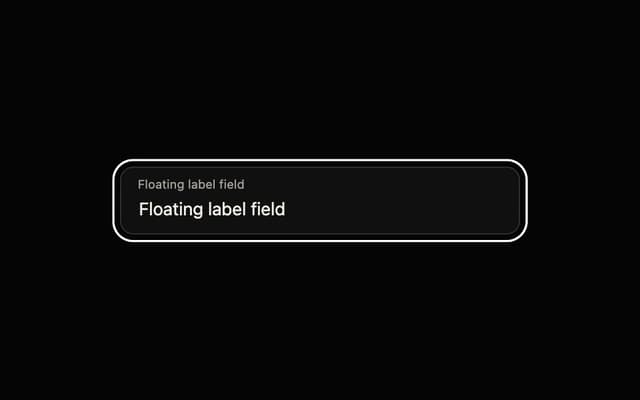
Floating Label Field
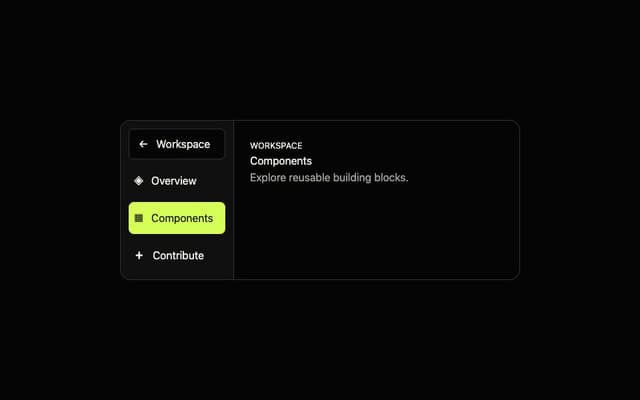
Adaptive Sidebar
More in Forms
View all

Premium Auth
524

Contact Card
1K

Book A Demo 1
73

Form
16

Login 1
53
Book A Demo 3
89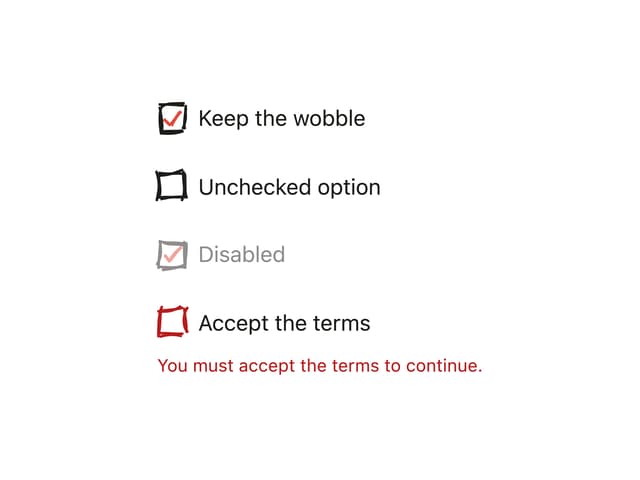
Hand-Drawn Checkbox
48
Login Card
6

