
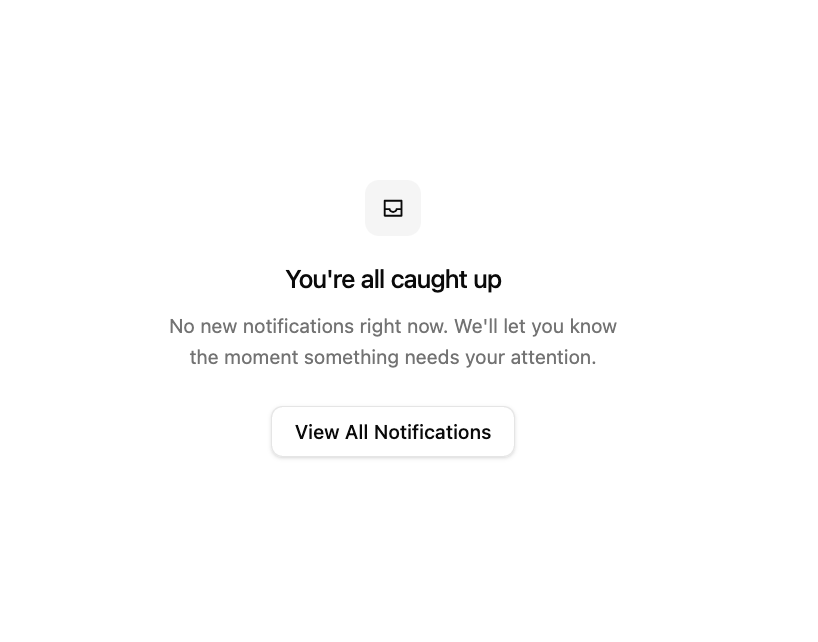
About
An inbox-zero empty state for a notifications list, with an icon, title, description, and a call-to-action button.
Built with React and Tailwind. Copy the prompt and paste it into Claude Code, Cursor or Lovable: your agent adds Empty Notifications State to your project and fits it to your theme.
Code
How Empty Notifications State is used: the demo's code. The component's own source comes with a free account.
Usage.tsx
import EmptyStatesBlock from "@/components/ui/empty-states-1"

export default function Default() {
  return <EmptyStatesBlock />
}
Dependencies
More by Oliver
View all
Dismissible Alert Stack
360
Us vs Them Comparison
342
Feature Comparison Table
253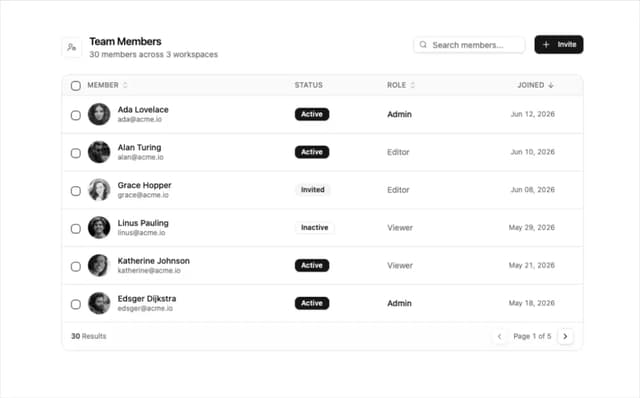
Team Members Data Table
211
How It Works Timeline
205
Logo Cloud Marquee
98
Alternating Rows With Stats
93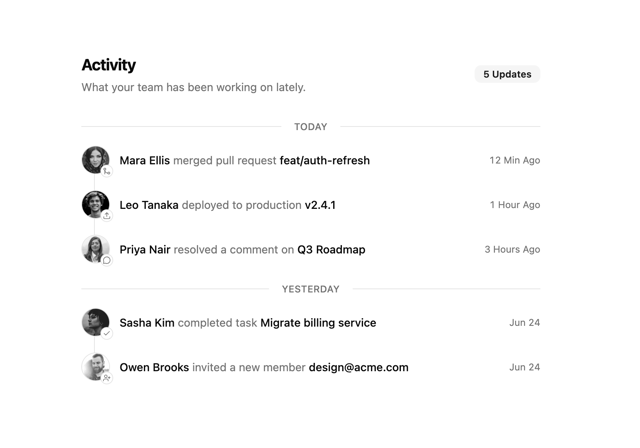
Activity Timeline
78
More in Buttons
View all

Button
5
Texture Button
97

Button Group


Eclipse Button
39
Button
4

HeroUI Button Group

Base Button
4

App Store Button
458

