
About
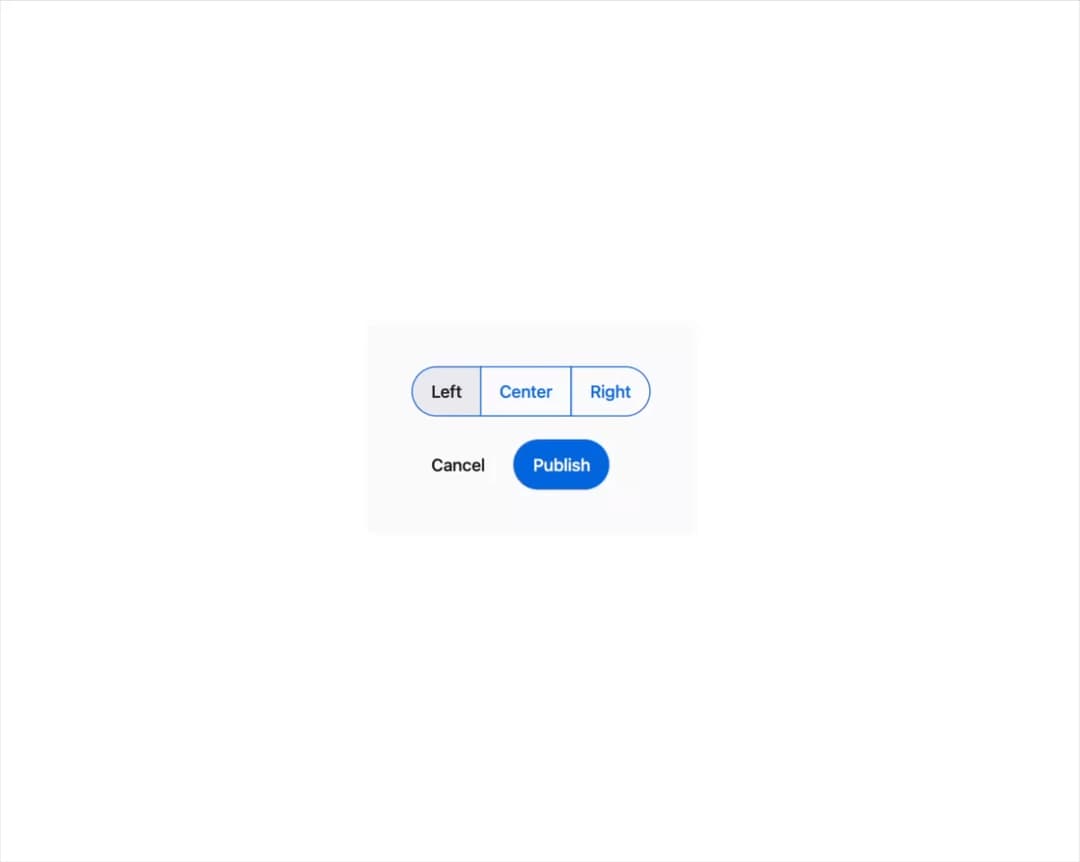
A themeable button with six visual variants (primary, secondary, subtle, ghost, destructive, link), size/pill/block options, a built-in loading spinner, plus matching IconButton and segmented ButtonGroup variants.
Built with React and Tailwind. Copy the prompt and paste it into Claude Code, Cursor or Lovable: your agent adds Mors Button to your project and fits it to your theme.
Code
How Mors Button is used: the demo's code. The component's own source comes with a free account.
Usage.tsx
import { Button, ButtonGroup } from "@/components/ui/button";
import { useState } from "react";

export default function ButtonGroupDemo() {
  const [alignment, setAlignment] = useState("left");

  return (
    <div
      className="flex flex-col items-start gap-5 p-10"
      style={{
        background: "var(--mors-color-canvas)",
        color: "var(--mors-color-text)",
      }}
    >
      <ButtonGroup label="Text alignment">
        {["left", "center", "right"].map((option) => (
          <Button
            key={option}
            variant="secondary"
            aria-pressed={alignment === option}
            onClick={() => setAlignment(option)}
          >
            {option[0]!.toUpperCase() + option.slice(1)}
          </Button>
        ))}
      </ButtonGroup>
      <ButtonGroup variant="spaced" label="Form actions">
        <Button variant="ghost">Cancel</Button>
        <Button>Publish</Button>
      </ButtonGroup>
    </div>
  );
}
More by murad-sinatra
View all
Event Calendar
3
Table
2
Command Palette
1
Drawer
1
Toggles
1
Number Field
1
Tooltip
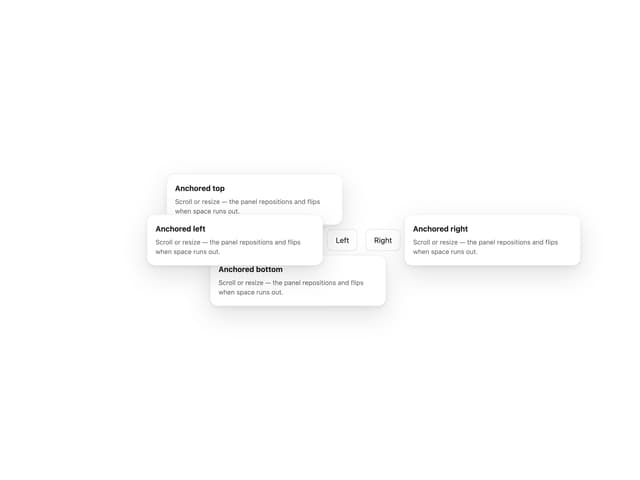
Popover
More in Buttons
View all

Button
5
Texture Button
97

Button Group


Eclipse Button
39
Button
4

HeroUI Button Group

Base Button
4

App Store Button
458

