
About
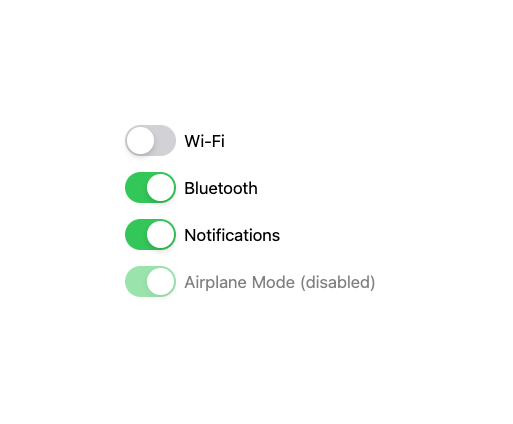
A controlled toggle switch (checkbox styled as an iOS-style switch) with an optional label, ported from the Millai UI Vue component library.
Built with React and Tailwind. Copy the prompt and paste it into Claude Code, Cursor or Lovable: your agent adds M Switch to your project and fits it to your theme.
Code
How M Switch is used: the demo's code. The component's own source comes with a free account.
Usage.tsx
"use client";

import * as React from "react";
import MSwitch from "@/components/ui/mswitch";

export default function MSwitchDemo() {
  const [wifi, setWifi] = React.useState(true);
  const [bluetooth, setBluetooth] = React.useState(false);
  const [notifications, setNotifications] = React.useState(true);

  return (
    <div className="flex flex-col gap-4">
      <MSwitch checked={wifi} onCheckedChange={setWifi}>
        Wi-Fi
      </MSwitch>
      <MSwitch checked={bluetooth} onCheckedChange={setBluetooth}>
        Bluetooth
      </MSwitch>
      <MSwitch checked={notifications} onCheckedChange={setNotifications}>
        Notifications
      </MSwitch>
      <MSwitch disabled defaultChecked>
        Airplane Mode (disabled)
      </MSwitch>
    </div>
  );
}
More by millaistudio
View all
Tab Bar Item
1
MCheckbox
1
M Button
MListItem
MBadge
MCard
Side Panel Item
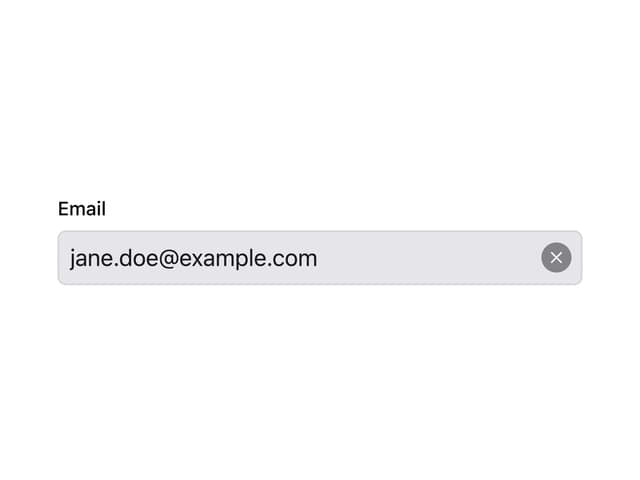
MText Input
More in Forms
View all

Premium Auth
524

Contact Card
1K

Book A Demo 1
73

Login 1
53

Form
137

Card Studio
41
SignInPage
667

Modern & Stunning sign in
1.6K
