
About
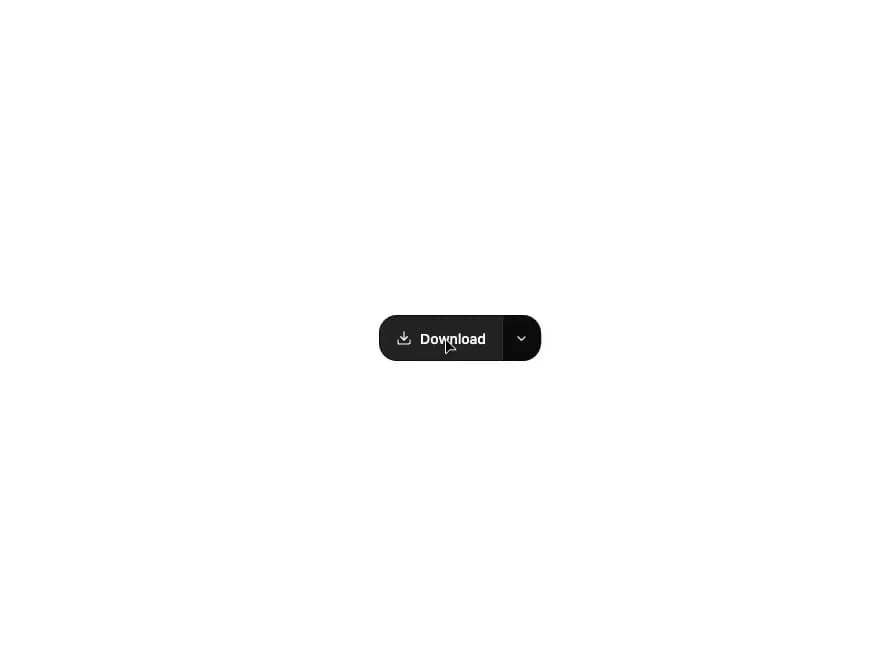
A primary action button paired with a dropdown trigger that reveals a menu of related alternative actions.
Built with React and Tailwind. Copy the prompt and paste it into Claude Code, Cursor or Lovable: your agent adds Split Button to your project and fits it to your theme.
Code
How Split Button is used: the demo's code. The component's own source comes with a free account.
Usage.tsx
"use client";

import SplitButton from "@/components/ui/split-button";
import { Download, Copy, Trash2 } from "lucide-react";

export default function SplitButtonDemo() {
  return (
    <div className="flex min-h-[200px] w-full items-center justify-center bg-background p-10">
      <SplitButton
        label="Download"
        icon={<Download size={16} strokeWidth={1.8} />}
        actions={[
          { label: "Copy link", icon: <Copy size={15} strokeWidth={1.8} /> },
          { label: "Duplicate" },
          {
            label: "Delete",
            destructive: true,
            icon: <Trash2 size={15} strokeWidth={1.8} />,
          },
        ]}
      />
    </div>
  );
}
Dependencies
More by kuratlielia
View all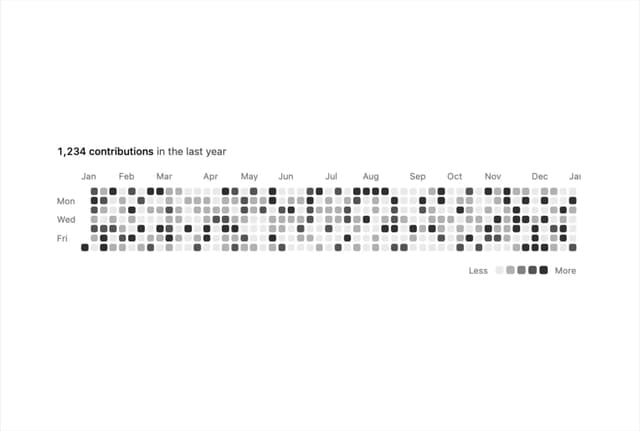
Activity Heatmap
480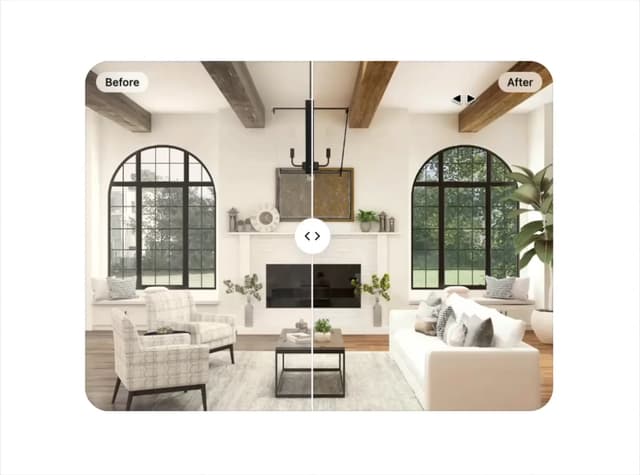
Image Compare
129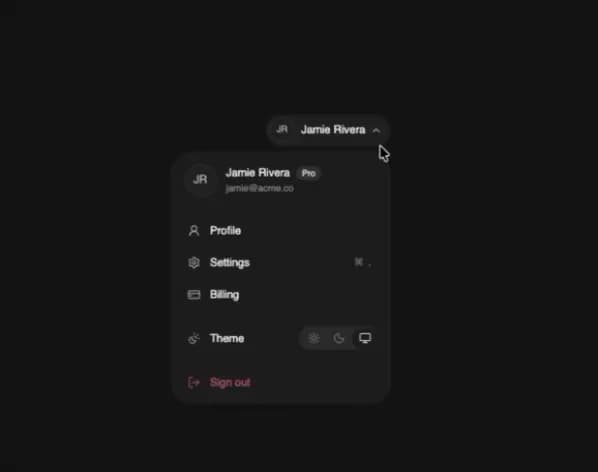
User Menu
102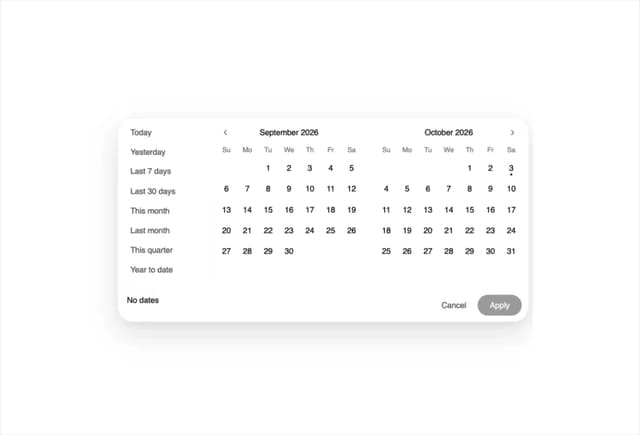
Date Range Picker
76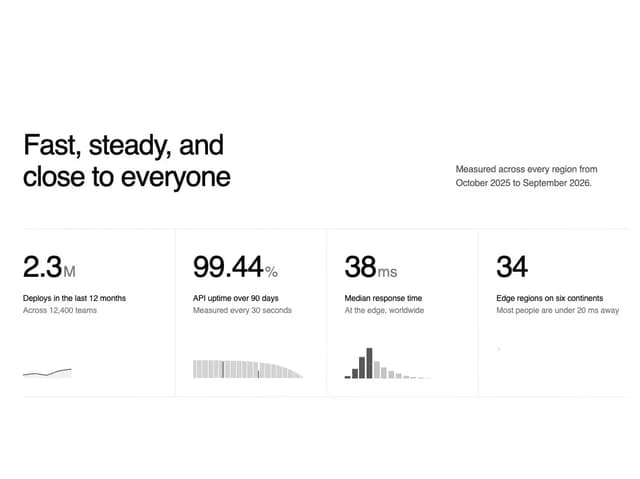
Stats Band
70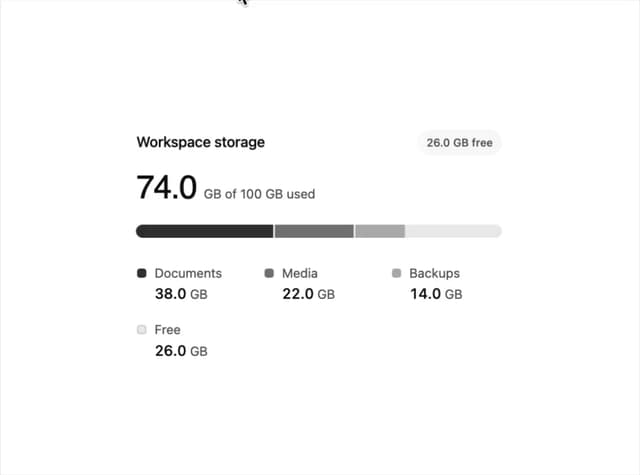
Usage Meter
52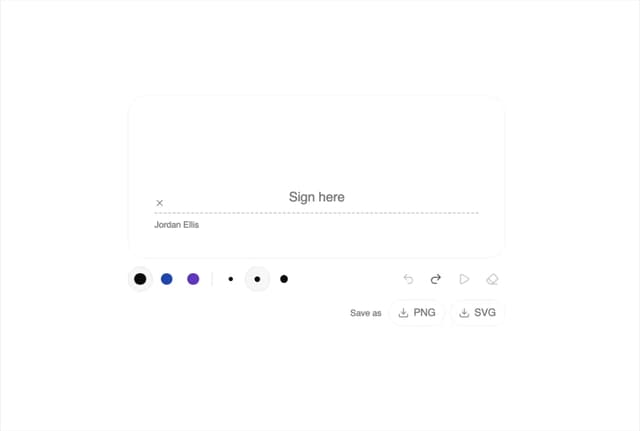
Signature Pad
40
Timeline
38
More in Buttons
View all
Texture Button
97

Button
5

Button Group


Eclipse Button
39
Button
4

HeroUI Button Group


App Store Button
458
Base Button
4

