
About
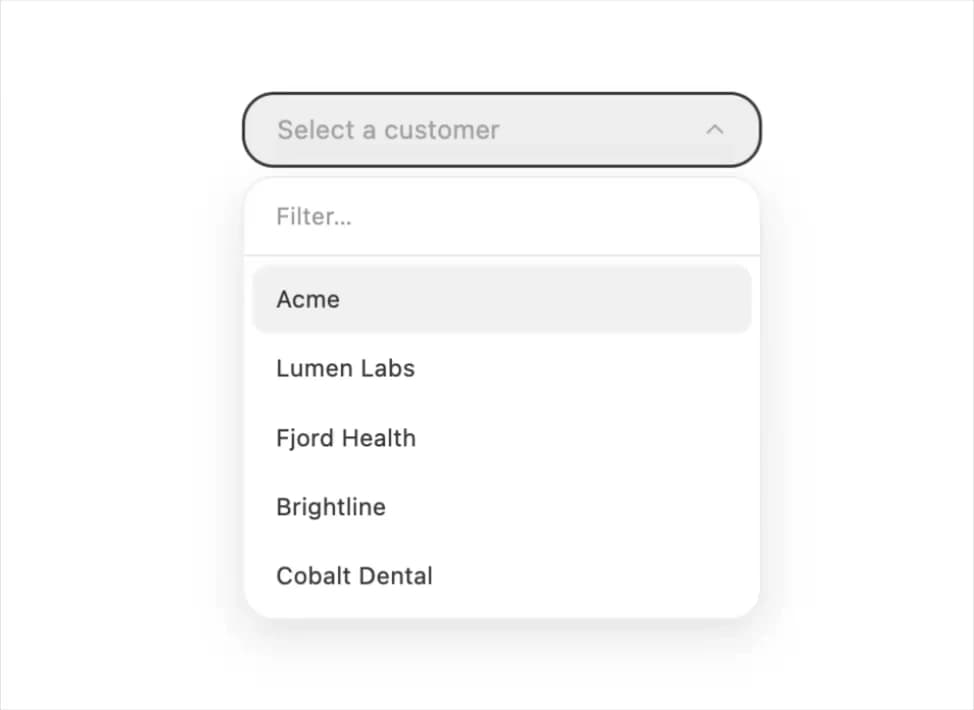
A searchable select input that opens a filterable list of options so a user can quickly find and pick one value by typing, with full keyboard navigation.
Built with React and Tailwind. Copy the prompt and paste it into Claude Code, Cursor or Lovable: your agent adds Combobox to your project and fits it to your theme.
Code
How Combobox is used: the demo's code. The component's own source comes with a free account.
Usage.tsx
"use client";

import Combobox from "@/components/ui/combobox";
import { useState } from "react";

export default function ComboboxDemo() {
  const [customer, setCustomer] = useState("");
  return (
    <div style={{ width: 260, height: 320 }}>
      <Combobox
        placeholder="Select a customer"
        value={customer}
        onChange={setCustomer}
        options={[
          { value: "acme", label: "Acme" },
          { value: "lumen", label: "Lumen Labs" },
          { value: "fjord", label: "Fjord Health" },
          { value: "brightline", label: "Brightline" },
          { value: "cobalt", label: "Cobalt Dental" },
        ]}
      />
    </div>
  );
}
More by halaska-studio
View all
Dot Grid
28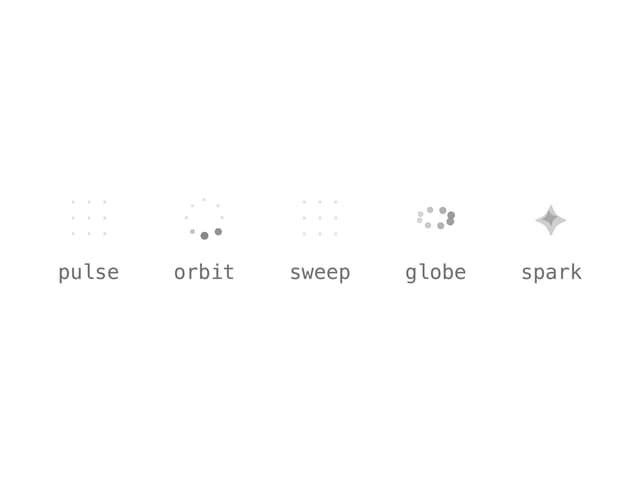
Orb
15
Segmented Control
11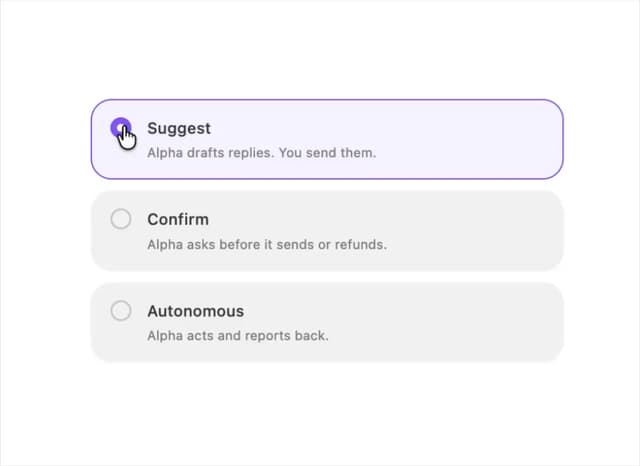
Choicebox
6
Input OTP
5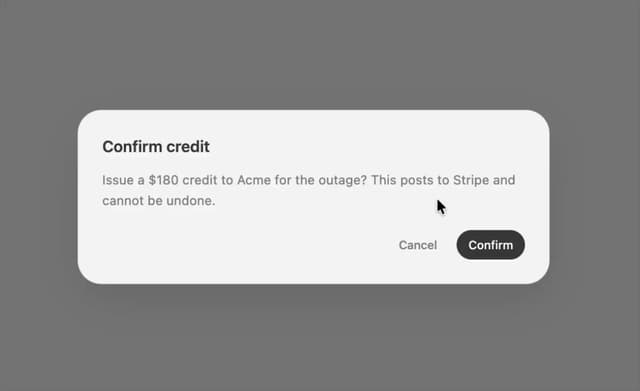
Dialog
4
Select
3
Table
2
More in Forms
View all

Premium Auth
524

Contact Card
1K

Book A Demo 1
73

Login 1
53

Form
137

Card Studio
41
SignInPage
667

Modern & Stunning sign in
1.6K
