

About
A small illustration of three overlapping browser windows where hovering a window behind the front one moves the active highlight to it, useful above the text in a bento grid or feature card about context switching or too many open tabs.
Built with React and Tailwind. Copy the prompt and paste it into Claude Code, Cursor or Lovable: your agent adds Tab Overload to your project and fits it to your theme.
Code
How Tab Overload is used: the demo's code. The component's own source comes with a free account.
Usage.tsx
import { TabOverload } from "@/components/ui/tab-overload";

export default function TabOverloadDemo() {
  return (
    <div className="flex w-full h-full items-center justify-center bg-background p-10">
      <article className="max-w-[360px] text-foreground">
        <TabOverload />
        <h3 className="mt-4 text-lg font-semibold">Too many tabs open</h3>
        <p className="mt-1 text-sm text-muted-foreground">
          Research scattered across a dozen browser windows, with no single
          source of truth.
        </p>
      </article>
    </div>
  );
}
More by flohoeller
View all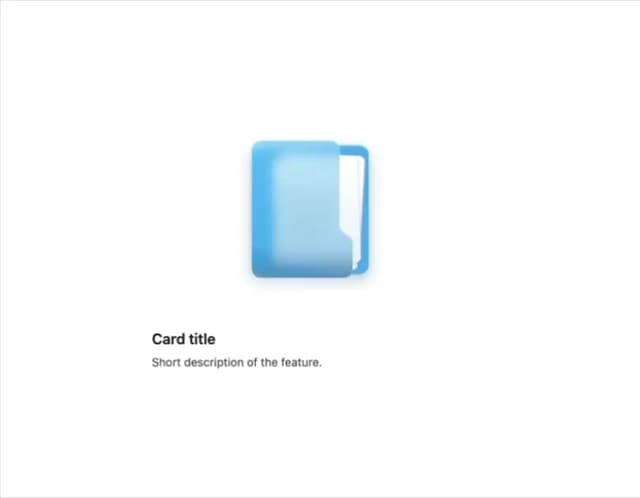
Side Folder
26
Agent Team
24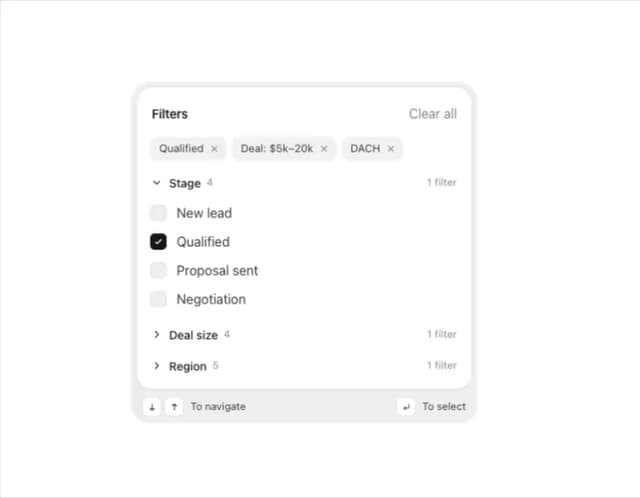
Filter Menu
20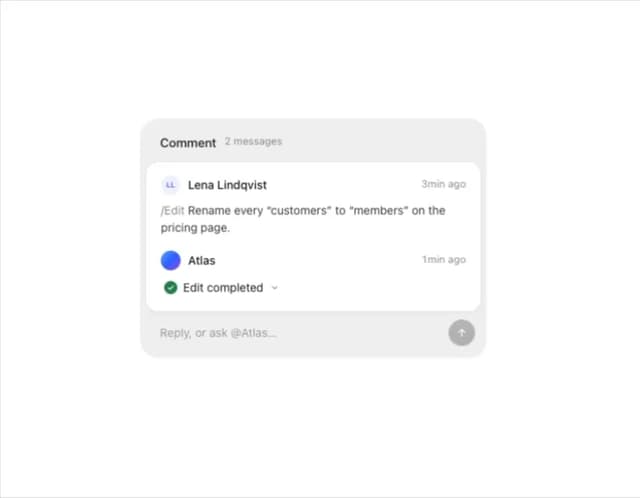
Comment Thread
15
Team Invite
14
Integration Grid
13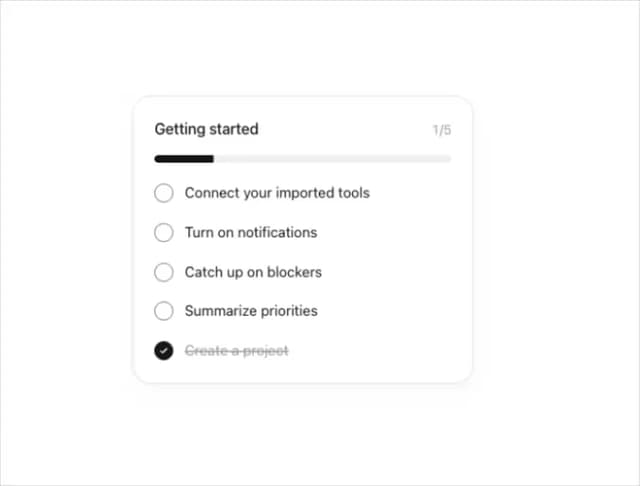
Progress Tracker
13
Profile Menu
10
More in Features
View all

Grid Feature Cards
1.9K

Feature Sections
178

Features 8
3.1K
Features Card
213
Features 2
324

Feature 72
124
Features 1
280
Feature with advantages
282

