
About
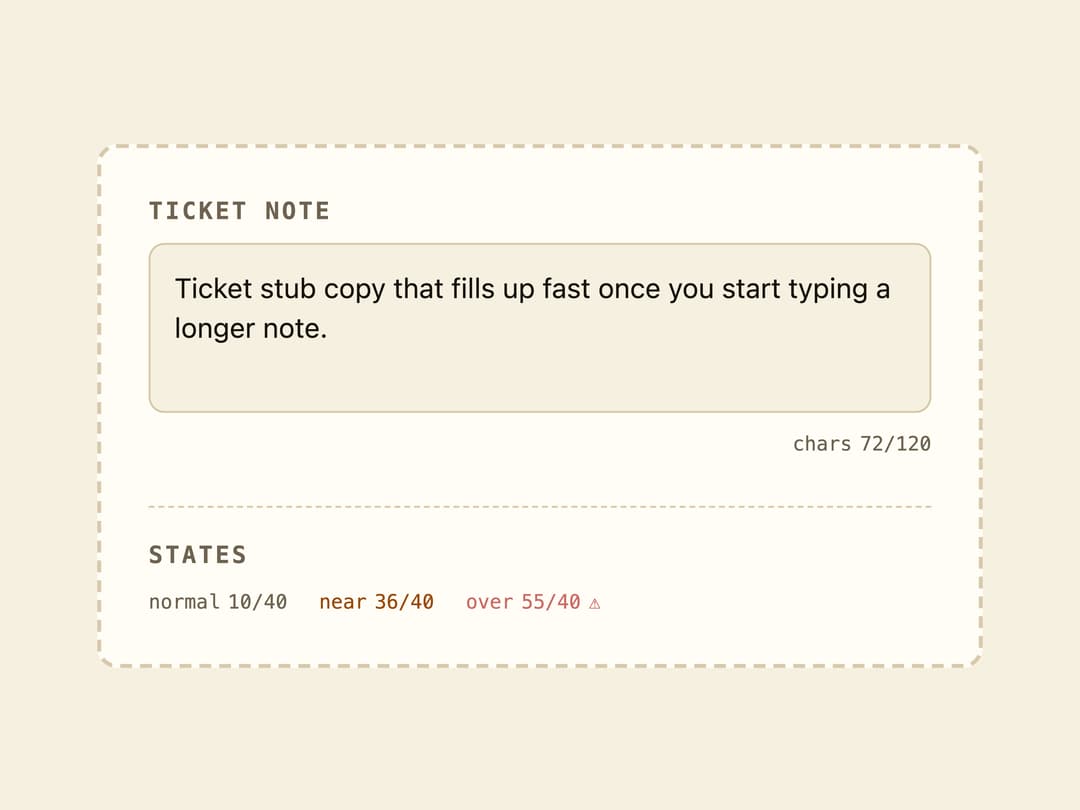
A live character/length indicator for text inputs that turns to a warning color near the limit and pulses red once the max length is exceeded.
Built with React and Tailwind. Copy the prompt and paste it into Claude Code, Cursor or Lovable: your agent adds Char Counter to your project and fits it to your theme.
Code
How Char Counter is used: the demo's code. The component's own source comes with a free account.
Usage.tsx
"use client";

import * as React from "react";
import { CharCounter } from "@/components/ui/char-counter";

export default function CharCounterDemo() {
  const [value, setValue] = React.useState(
    "Ticket stub copy that fills up fast once you start typing a longer note.",
  );
  const max = 120;

  return (
    <div className="flex w-full max-w-md flex-col gap-6 rounded-lg border-2 border-dashed border-border bg-card p-6 font-sans text-card-foreground">
      <div className="flex flex-col gap-2">
        <label
          htmlFor="ticket-note"
          className="font-mono text-xs font-bold uppercase tracking-widest text-muted-foreground"
        >
          Ticket note
        </label>
        <textarea
          id="ticket-note"
          value={value}
          onChange={(e) => setValue(e.target.value)}
          maxLength={max + 20}
          rows={3}
          className="w-full resize-none rounded-md border border-border bg-background p-3 text-sm text-foreground outline-none focus-visible:ring-2 focus-visible:ring-ring"
        />
        <div className="flex justify-end">
          <CharCounter value={value} max={max} label="chars " />
        </div>
      </div>

      <div className="flex flex-col gap-2 border-t border-dashed border-border pt-4">
        <span className="font-mono text-xs font-bold uppercase tracking-widest text-muted-foreground">
          States
        </span>
        <div className="flex flex-wrap items-center gap-4">
          <CharCounter value="Short note" max={40} label="normal " />
          <CharCounter
            value="This note is almost at the limit now"
            max={40}
            label="near "
          />
          <CharCounter
            value="This note has gone way past the allowed character limit"
            max={40}
            label="over "
          />
        </div>
      </div>
    </div>
  );
}
More by f0rextasy
View all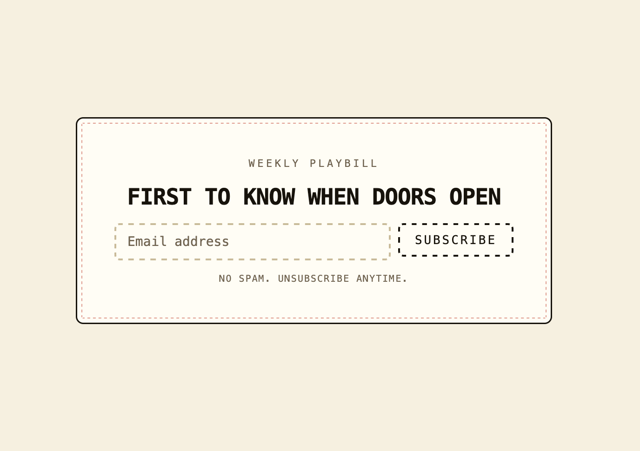
Newsletter Signup Card
10
Stamp Seal
7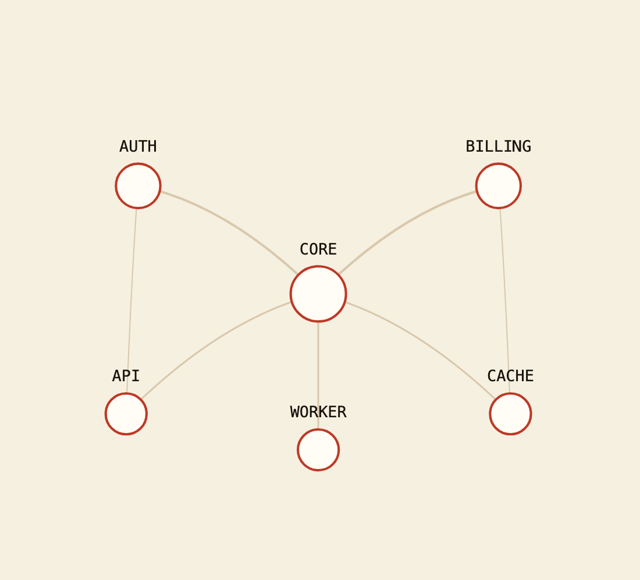
Network Graph
7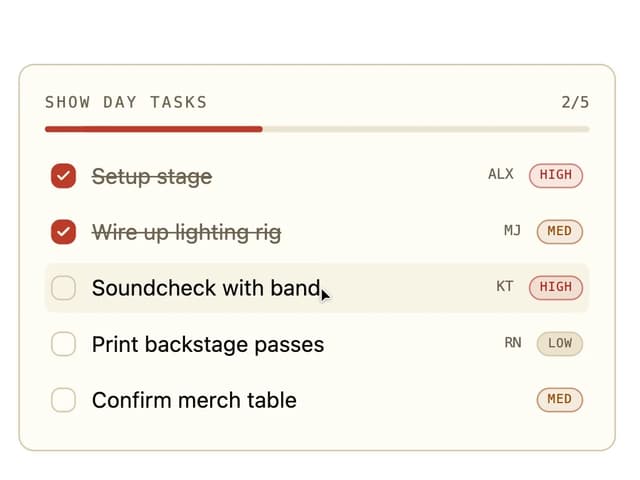
Board Checklist
5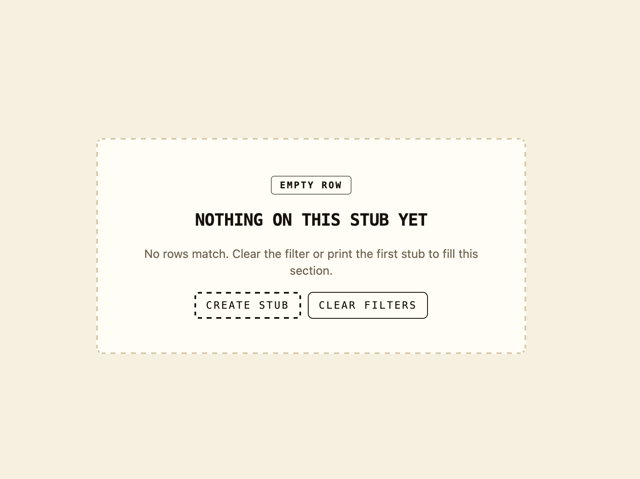
Empty State Card
3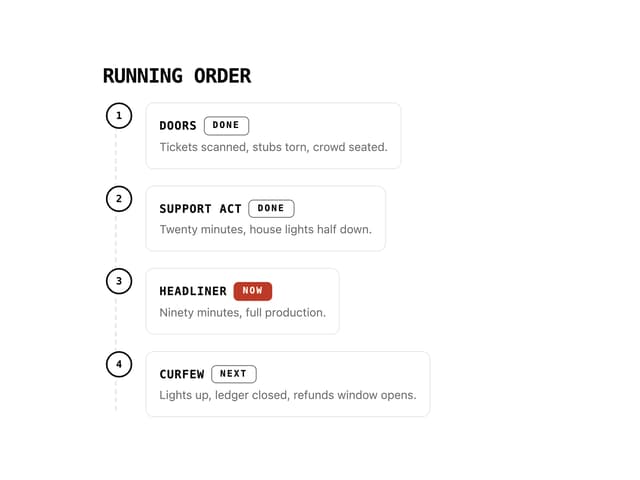
Running Order Timeline
3
Invite Modal
3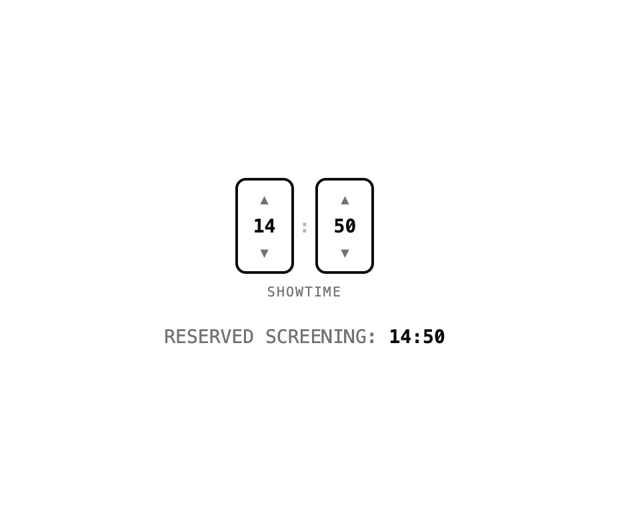
Time Input
3
More in Forms
View all

Premium Auth
524

Contact Card
1K

Book A Demo 1
73

Login 1
53

Form
137

Card Studio
41
SignInPage
667

Modern & Stunning sign in
1.6K
