
About
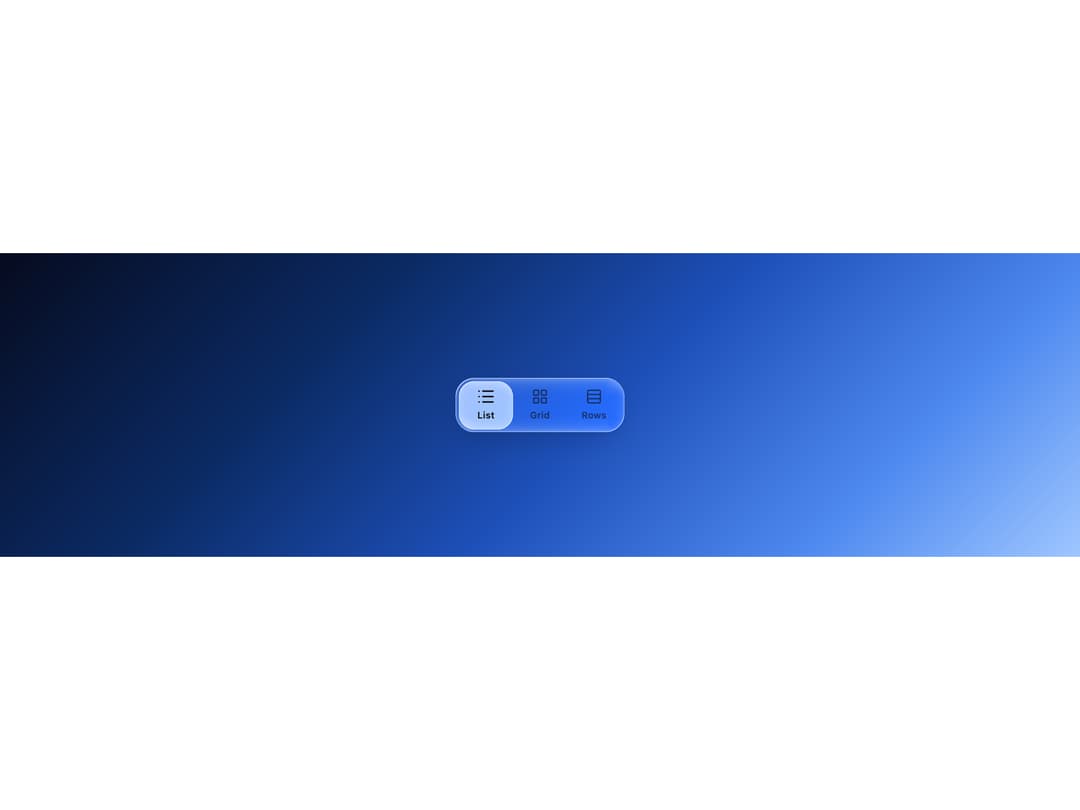
An icon-based segmented control where a translucent glass bubble glides between selected items like a drop of liquid.
Built with React and Tailwind. Copy the prompt and paste it into Claude Code, Cursor or Lovable: your agent adds Glass Segmented to your project and fits it to your theme.
Code
How Glass Segmented is used: the demo's code. The component's own source comes with a free account.
Usage.tsx
"use client";

import {
  GlassSegmented,
  GlassSegmentedItem,
} from "@/components/ui/glass-segmented";
import { List, LayoutGrid, Rows3 } from "lucide-react";
import * as React from "react";

export default function GlassSegmentedDemo() {
  const [view, setView] = React.useState("list");

  return (
    <div
      className="flex min-h-[360px] w-full items-center justify-center p-10"
      style={{
        background:
          "linear-gradient(135deg, #060b1f 0%, #0b2a63 30%, #1d4fb8 55%, #4f8af0 80%, #9fc6ff 100%)",
      }}
    >
      <GlassSegmented
        value={view}
        onValueChange={setView}
        aria-label="View mode"
      >
        <GlassSegmentedItem value="list" icon={<List />} label="List" />
        <GlassSegmentedItem value="grid" icon={<LayoutGrid />} label="Grid" />
        <GlassSegmentedItem value="rows" icon={<Rows3 />} label="Rows" />
      </GlassSegmented>
    </div>
  );
}
Dependencies
More by deepraj21
View all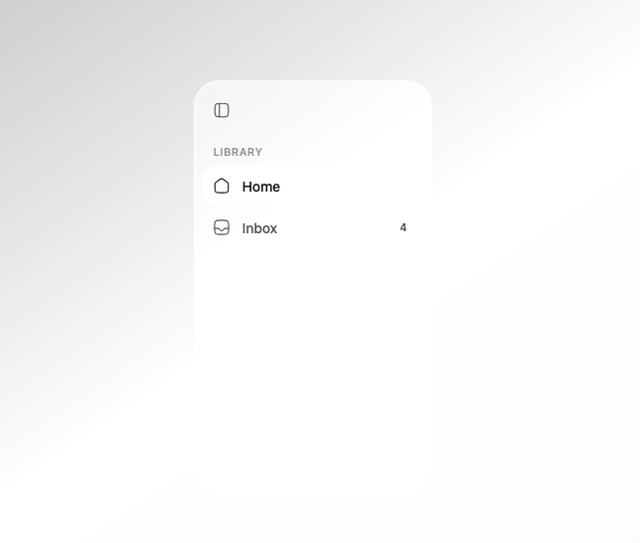
Glass Sidebar
12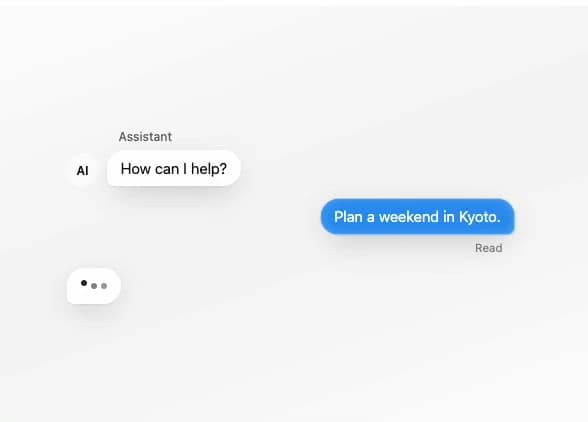
Glass Message
10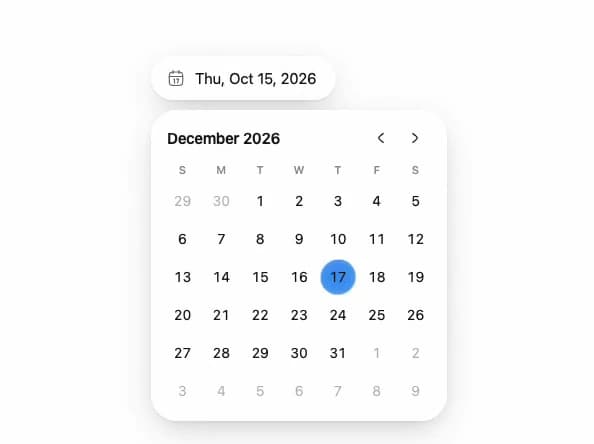
Glass Date Picker
5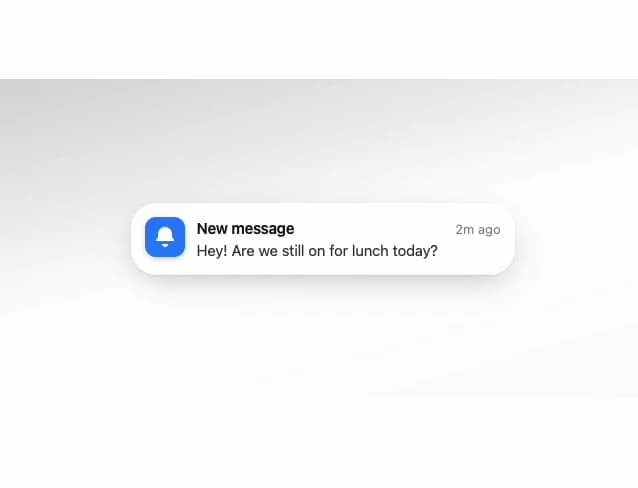
Glass Notification
4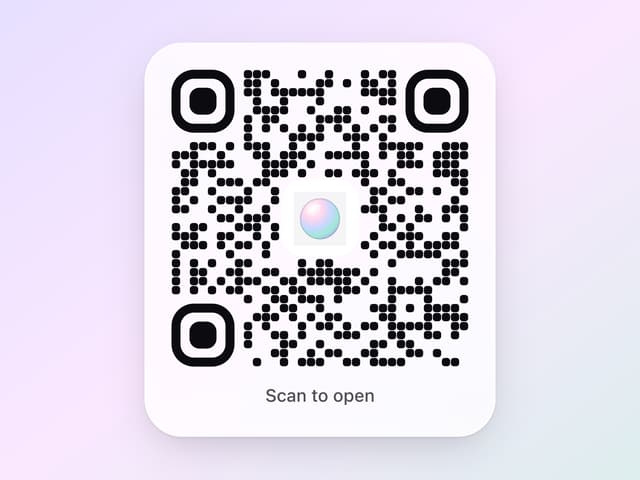
Glass QR Code
3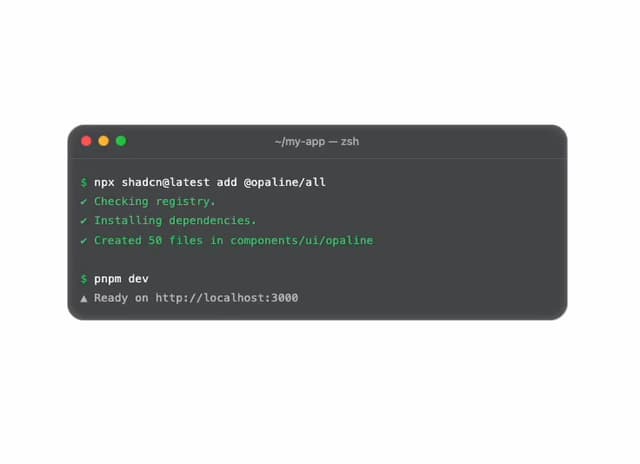
Glass Terminal
3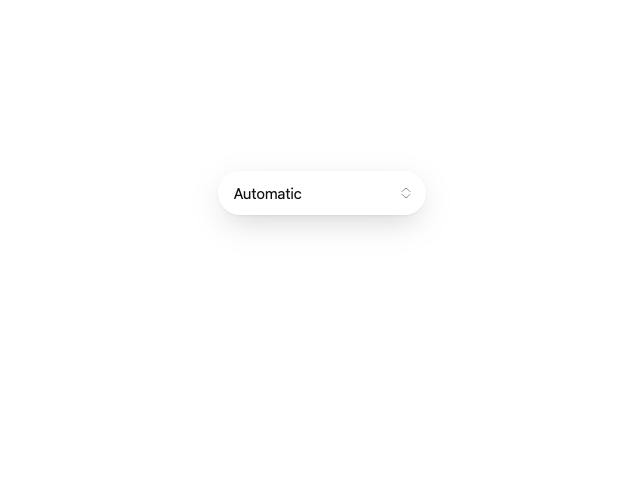
Glass Select
3
Glass Toolbar
2