
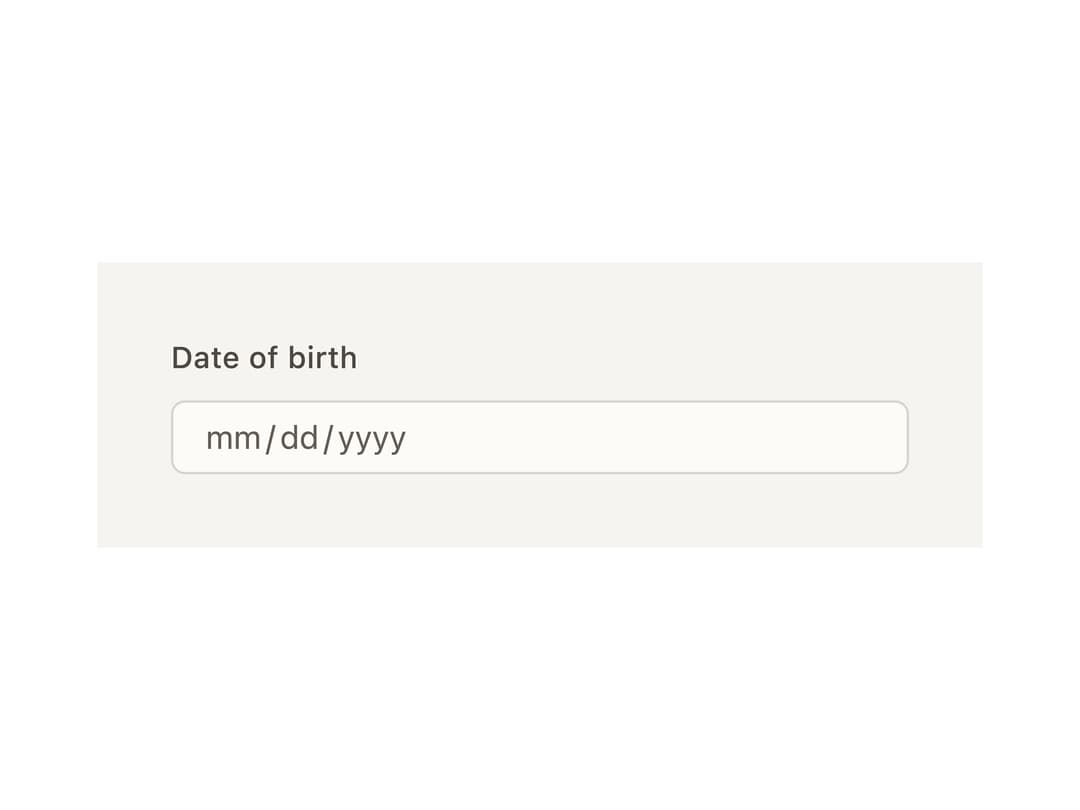
About
A segmented date (and optional time) input where each part of the date — month, day, year, hour — is its own arrow-navigable, typeable segment inside one field.
Built with React and Tailwind. Copy the prompt and paste it into Claude Code, Cursor or Lovable: your agent adds Date Input to your project and fits it to your theme.
Code
How Date Input is used: the demo's code. The component's own source comes with a free account.
Usage.tsx
import { DateInput } from "@/components/ui/date-input";

export default function DateInputDemo() {
  return (
    <div
      className="flex w-full max-w-sm items-center justify-center p-8"
      style={{ background: "var(--bs-color-surface-0, var(--background))" }}
    >
      <DateInput.Root>
        <DateInput.Label>Date of birth</DateInput.Label>
        <DateInput.Control>
          <DateInput.SegmentGroup>
            <DateInput.SegmentContext>
              {(segment) => <DateInput.Segment segment={segment} />}
            </DateInput.SegmentContext>
          </DateInput.SegmentGroup>
        </DateInput.Control>
        <DateInput.HiddenInput />
      </DateInput.Root>
    </div>
  );
}
Dependencies
More by bysages
View all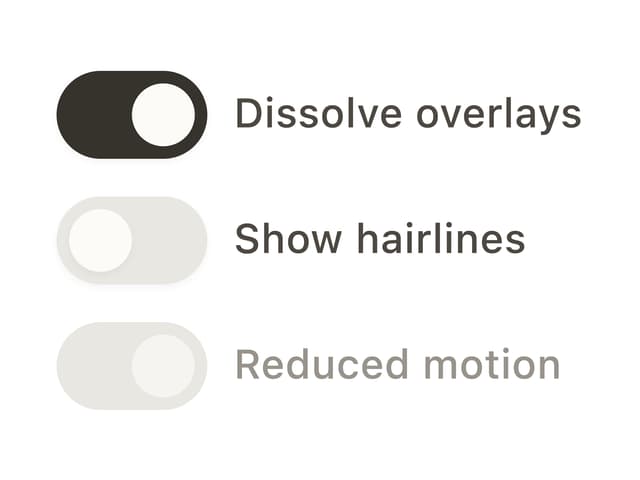
Switch
15
Avatar Group
7
Typography
6
Spinner
4
Grid
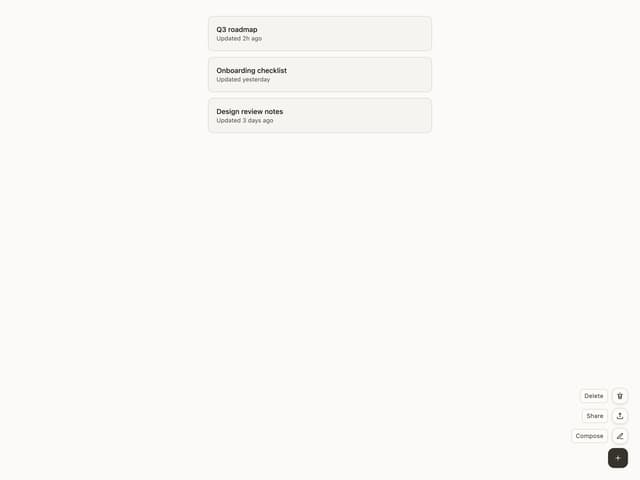
Float Button
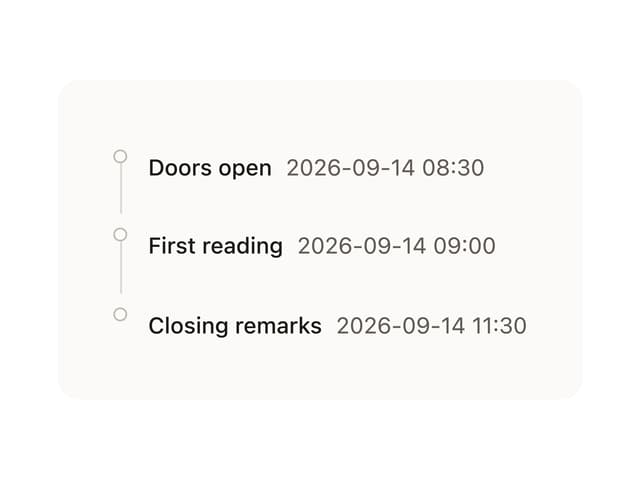
Timeline

Floating Panel
More in Forms
View all

Premium Auth
524

Contact Card
1K

Book A Demo 1
73

Login 1
53

Form
137

Card Studio
41

Modern & Stunning sign in
1.6K
SignInPage
667
