About
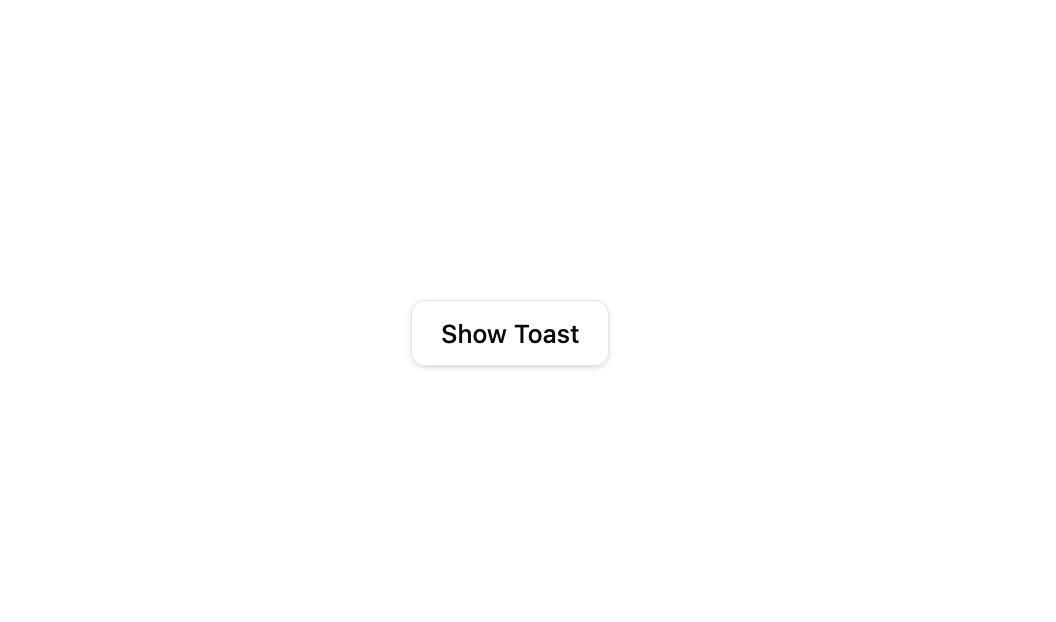
A button that triggers a Sonner toast notification with a description and an undo action.
Built with React and Tailwind. Copy the prompt and paste it into Claude Code, Cursor or Lovable: your agent adds Sonner Toast to your project and fits it to your theme.
Code
How Sonner Toast is used: the demo's code. The component's own source comes with a free account.
Usage.tsx
"use client";

import { useEffect } from "react";
import Toast1 from "@/components/ui/toast1";
import { toast, Toaster } from "sonner";

export default function Default() {
  useEffect(() => {
    const id = setTimeout(() => {
      toast("Event has been created", {
        description: "Sunday, December 03, 2023 at 9:00 AM",
        action: {
          label: "Undo",
          onClick: () => console.log("Undo"),
        },
      });
    }, 120);
    return () => clearTimeout(id);
  }, []);

  return (
    <div className="relative flex min-h-[340px] w-full items-center justify-center gap-6 bg-background p-8">
      <Toast1 />
      <Toaster position="bottom-center" />
    </div>
  );
}
Dependencies
More by Bundui.io
View all

Fluid particles background
774
Floating paths
650
Text Gradient Scroll
620
Stars
544
Image Comparison
429
Magnetic Button
404
Marquee Effect
322
Wavy
199
More in Buttons
View all
Texture Button
97

Button
5

Button Group


Eclipse Button
39
Button
4

HeroUI Button Group


App Store Button
458
Base Button
4

