
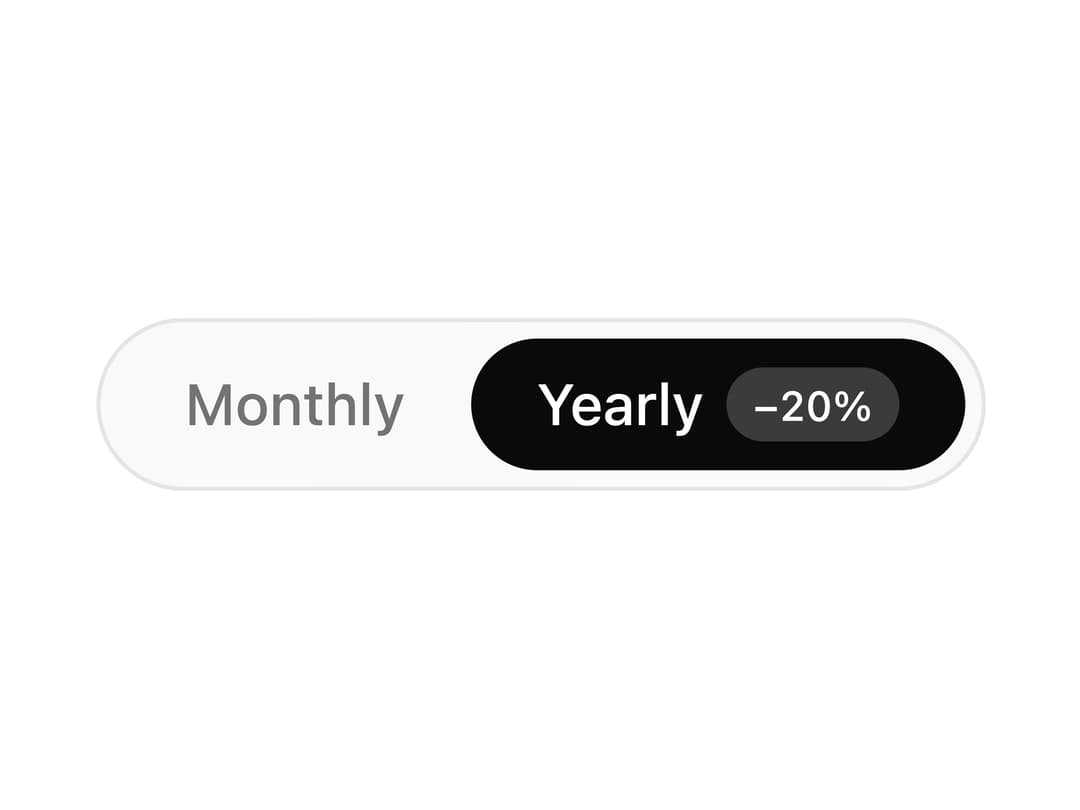
About
A radio-group style switch between a few options with an animated pill that slides to the selected choice, used for things like billing period toggles.
Built with React and Tailwind. Copy the prompt and paste it into Claude Code, Cursor or Lovable: your agent adds Segmented Control to your project and fits it to your theme.
Code
How Segmented Control is used: the demo's code. The component's own source comes with a free account.
Usage.tsx
"use client";

import * as React from "react";

import SegmentedControl from "@/components/ui/segmented-control";

const options = [
  { value: "monthly" as const, label: "Monthly" },
  { value: "yearly" as const, label: "Yearly", badge: "−20%" },
];

export default function SegmentedControlDemo() {
  const [billing, setBilling] = React.useState<"monthly" | "yearly">("yearly");

  return (
    <SegmentedControl
      aria-label="Billing period"
      value={billing}
      onValueChange={setBilling}
      options={options}
    />
  );
}
Dependencies
More by Théo Balick
View all
Footer With Newsletter
56
Interactive Grid
45
Services List
26
Expandable Text
14
Wave Lines
12
Underline Link
11
Mask Reveal
6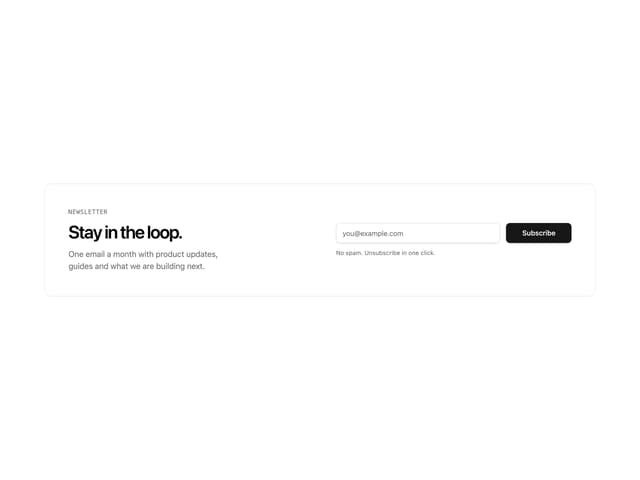
Newsletter Signup Card
6
More in Pricing
View all
Pricing Section
606
pricing section
166

Pricing Section
180

Pricing Card
372

RuixenPricing05
103

Pricing Cards
17

Boxly Pricing-1
90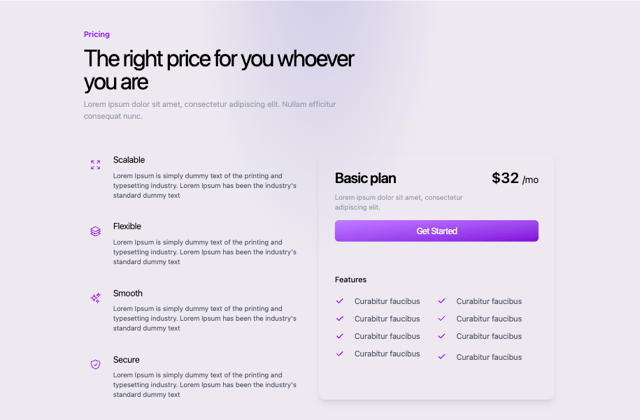
Colorful-Pricing
86


