
About
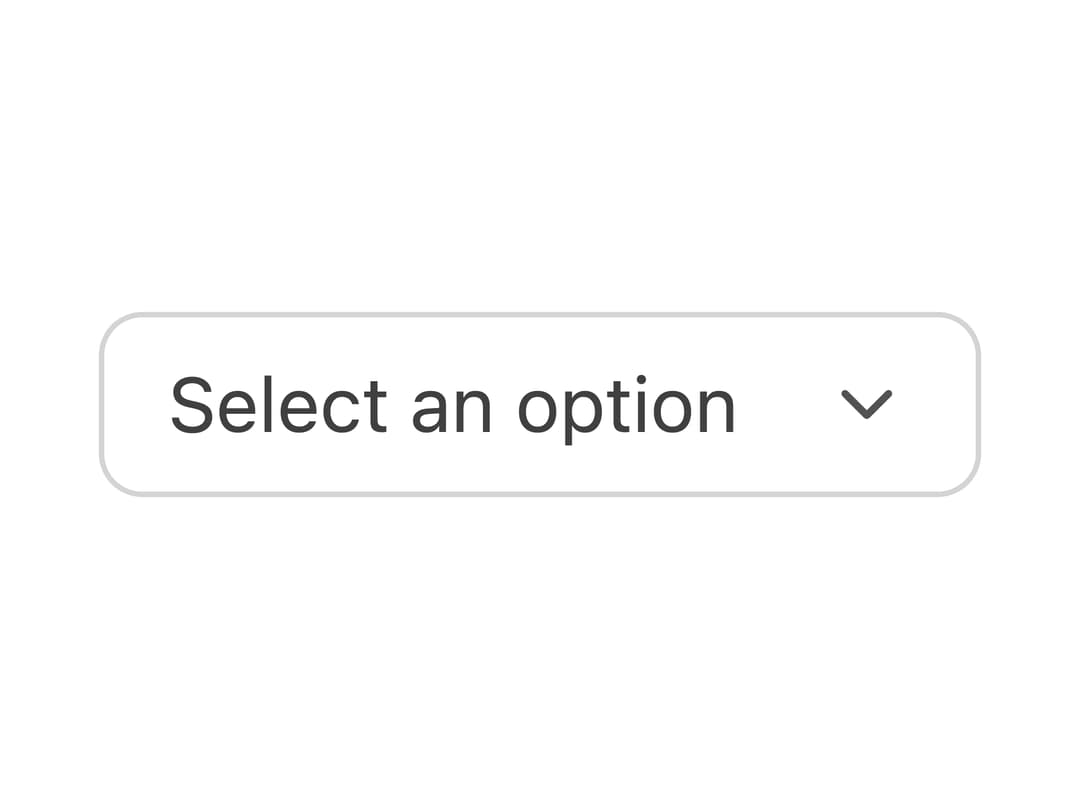
A small borderless icon/text button styled for use inside form fields like comboboxes, date pickers, and number steppers.
Built with React and Tailwind. Copy the prompt and paste it into Claude Code, Cursor or Lovable: your agent adds Field Button to your project and fits it to your theme.
Code
How Field Button is used: the demo's code. The component's own source comes with a free account.
Usage.tsx
import { FieldButton } from "@/components/ui/tailwind-fieldbutton";
import { ChevronDown } from "lucide-react";

export default function FieldButtonDemo() {
  return (
    <div className="flex items-center gap-2 rounded-md border border-neutral-300 bg-white px-2 py-1 dark:border-neutral-700 dark:bg-neutral-900">
      <span className="px-1 text-sm text-neutral-700 dark:text-neutral-300">
        Select an option
      </span>
      <FieldButton aria-label="Open menu">
        <ChevronDown className="h-4 w-4" />
      </FieldButton>
    </div>
  );
}
Dependencies
More by py_ets
View all
Alert Dialog
12
React Aria CheckboxGroup
9
Command Palette
7
React Aria DatePicker
6
Progress Bar
6
React Aria Tree
4
React Aria Switch
4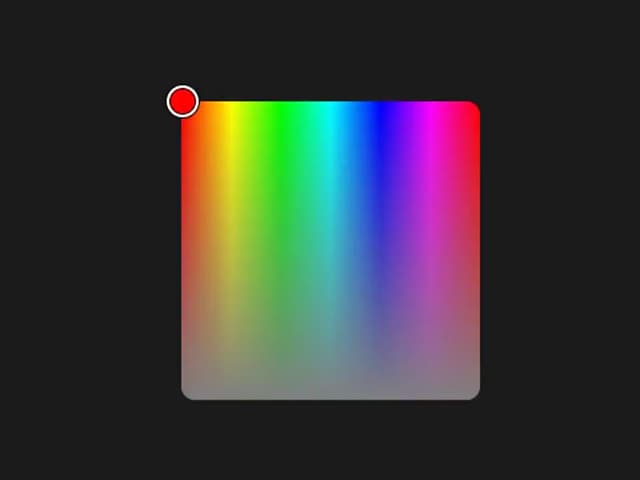
React Aria ColorArea
4
More in Buttons
View all

Button
5
Texture Button
97

Button Group


Eclipse Button
39
Button
4

HeroUI Button Group

Base Button
4

App Store Button
458

